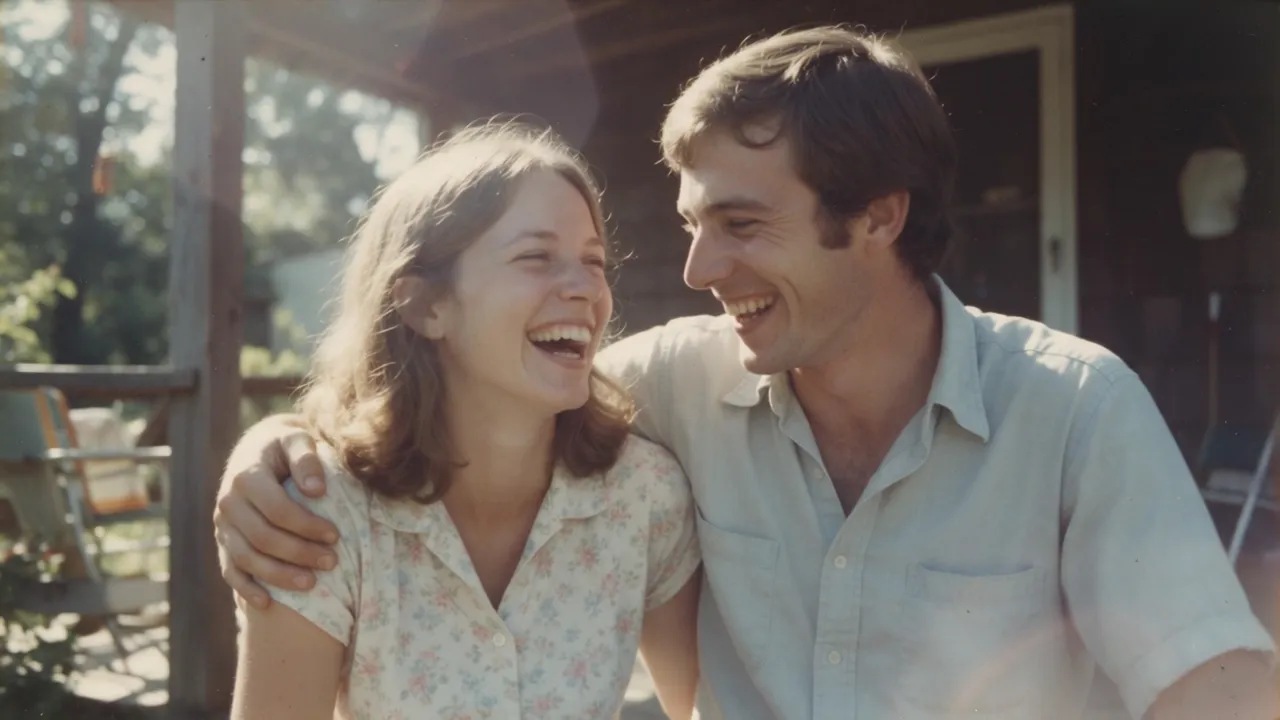
Animate a portrait or an old photo
Add a blink, a smile or a slow head turn to a selfie, a portrait or a scanned family photo. Subtle motion usually looks the most natural.
Upload a picture and watch it come alive: a natural portrait, a slow camera move, or a trending template made from one or two photos.
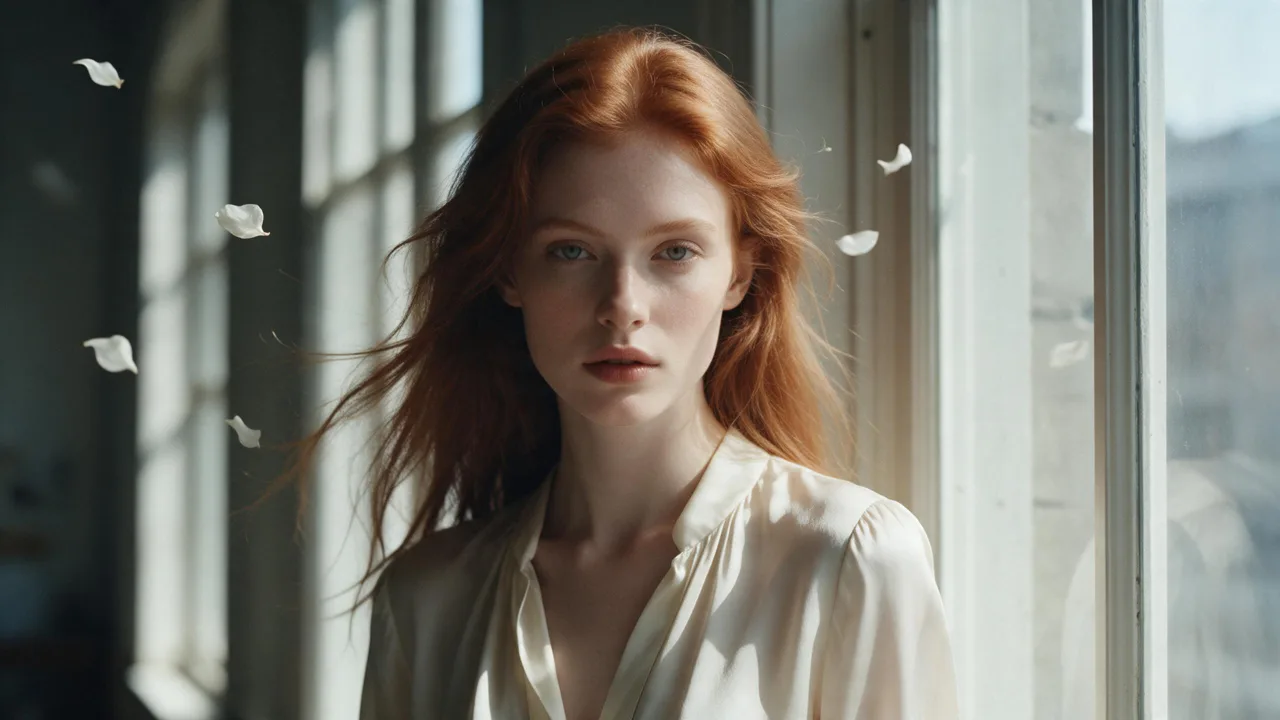
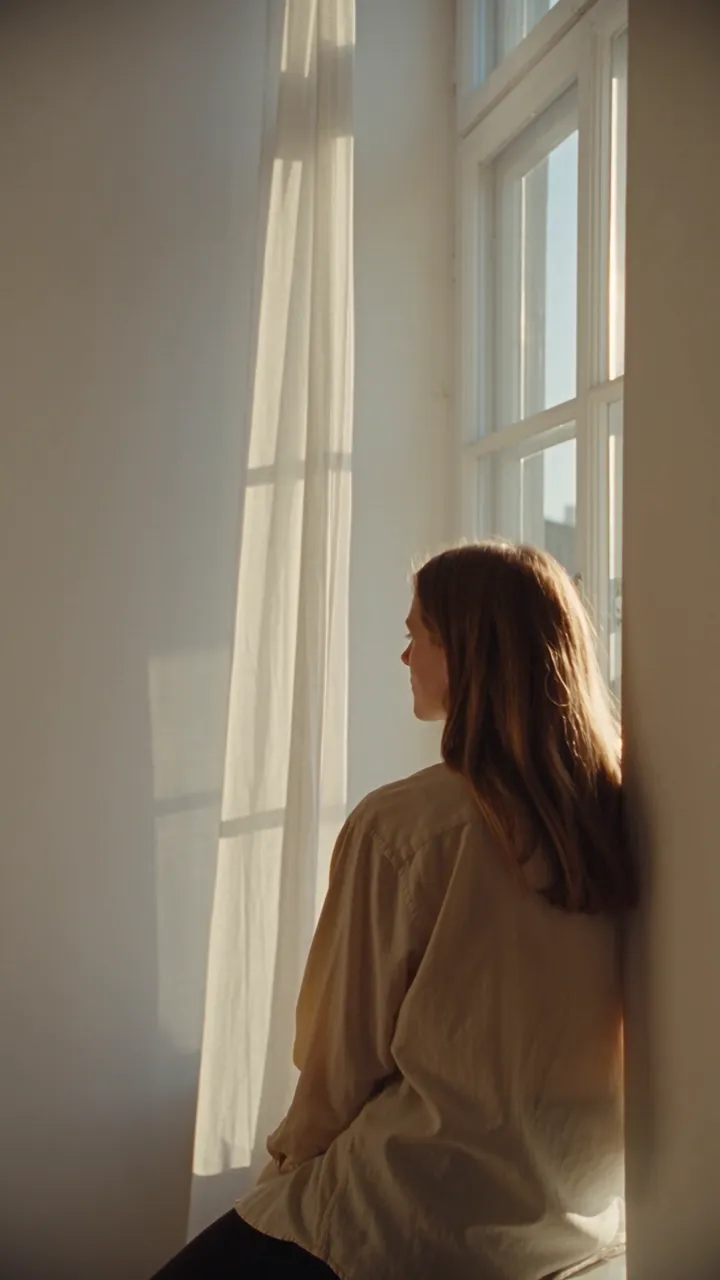
PromptA breeze lifts her hair and the petals around her; she turns toward the window light and smiles. Slow push-in.
AI-generated video
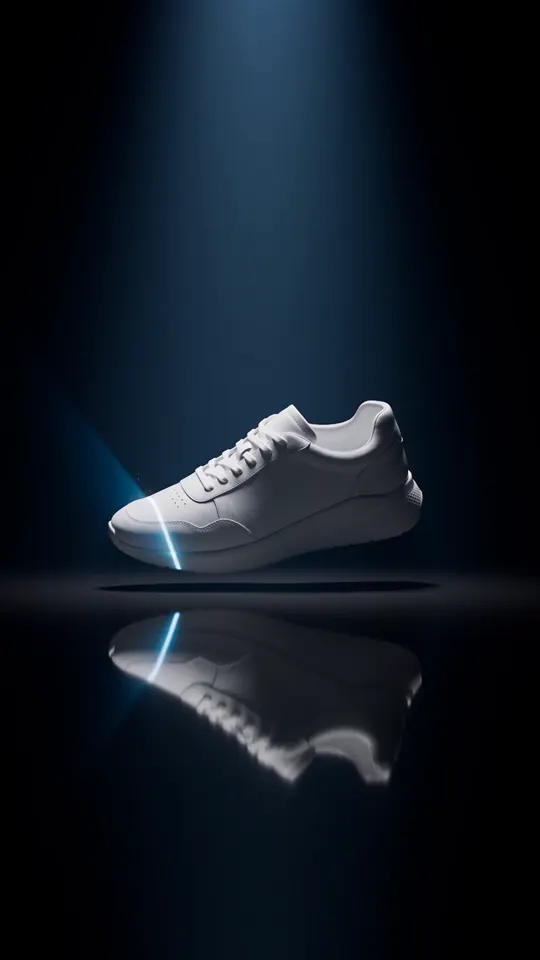
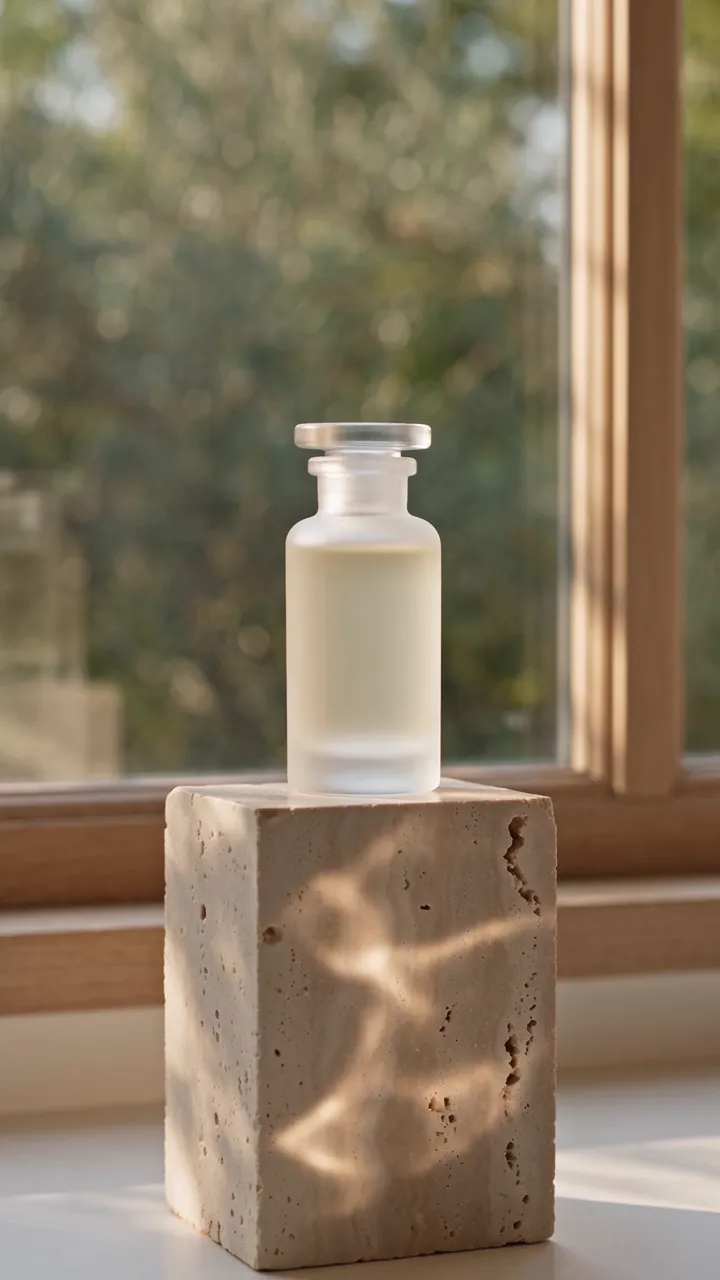
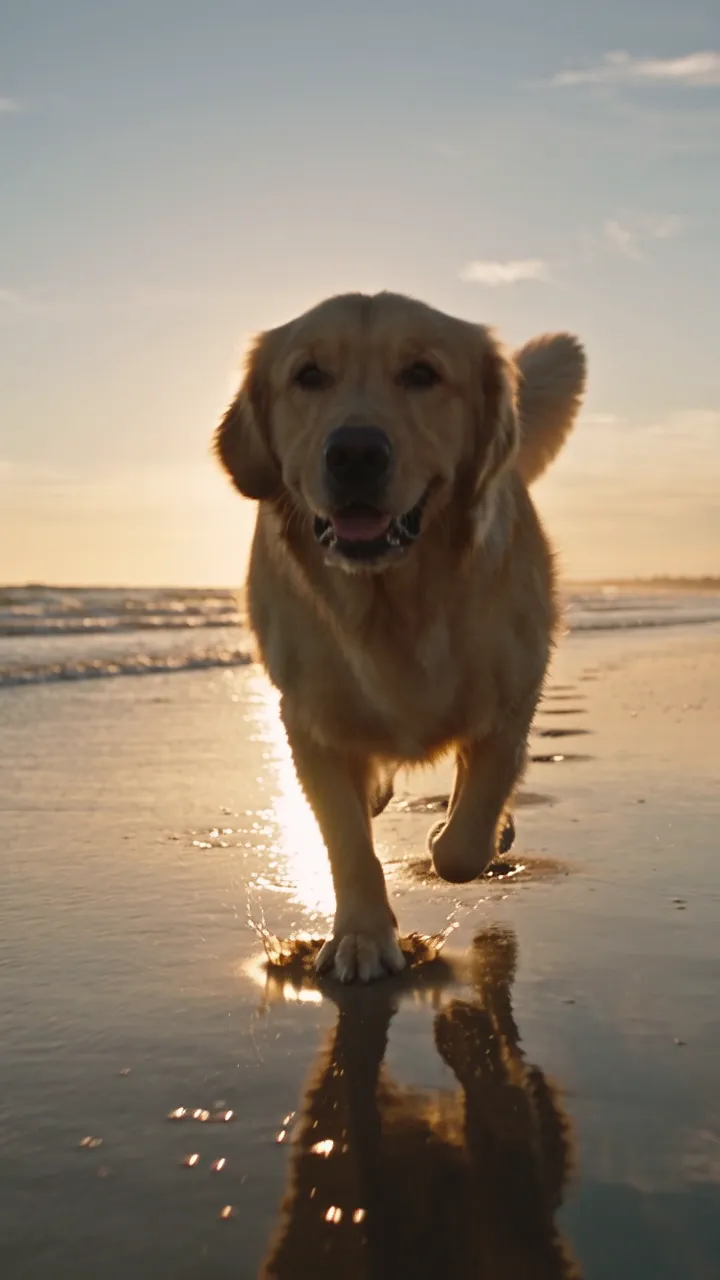
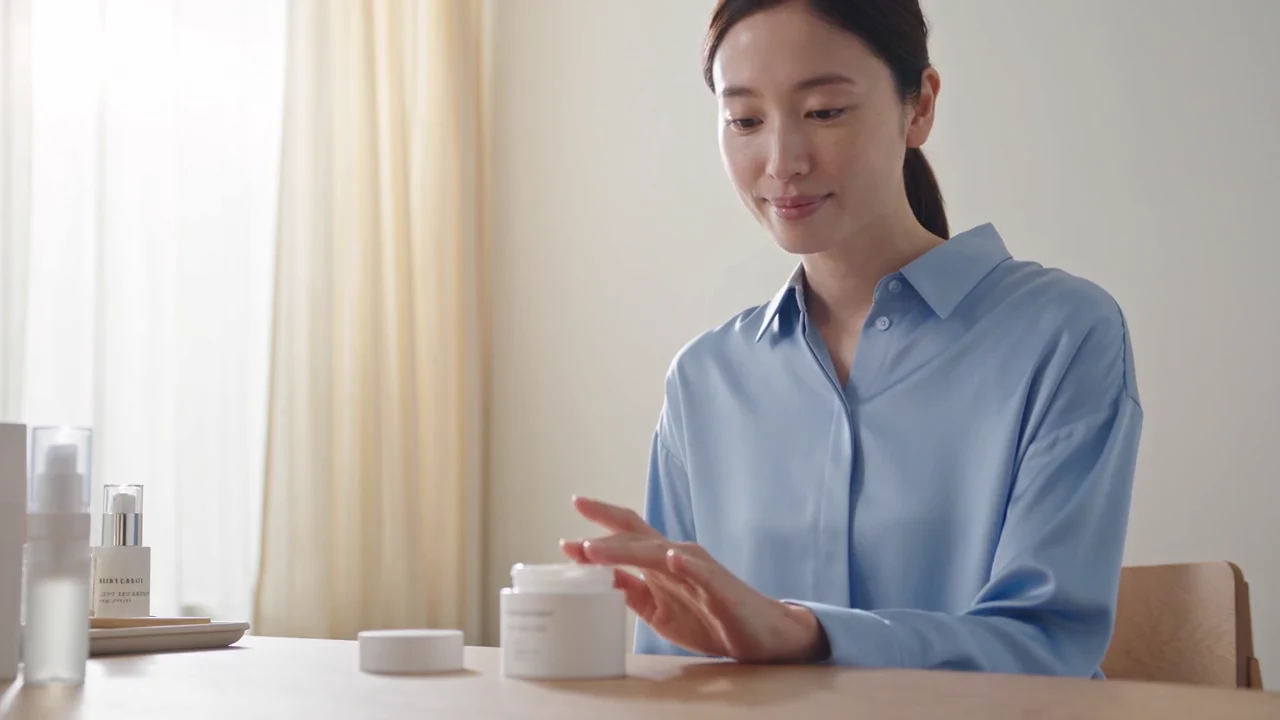
Products, people, the things on your shelf. Upload any picture and choose how it should move. All samples on this page were generated with AI.
Pick a template, add your photo and get a short clip that's ready to share. New templates arrive as trends appear.
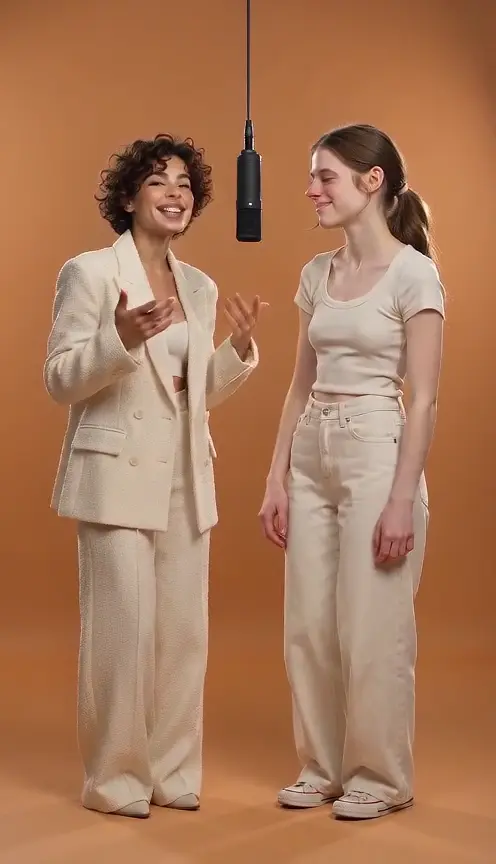
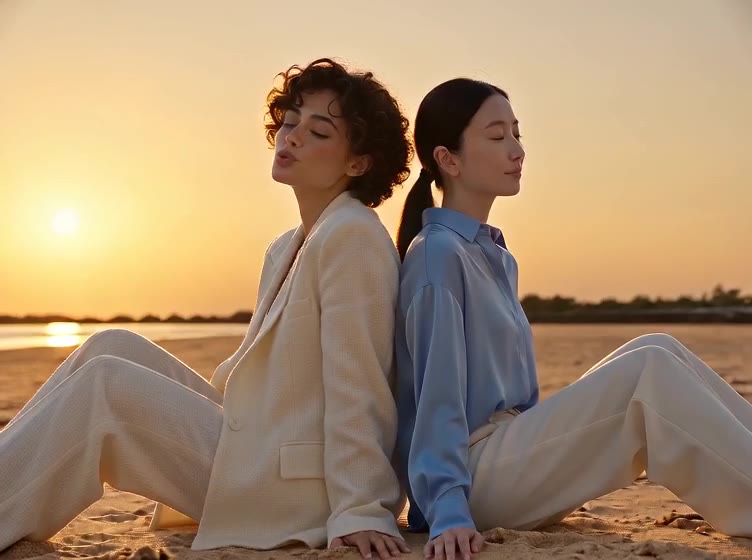
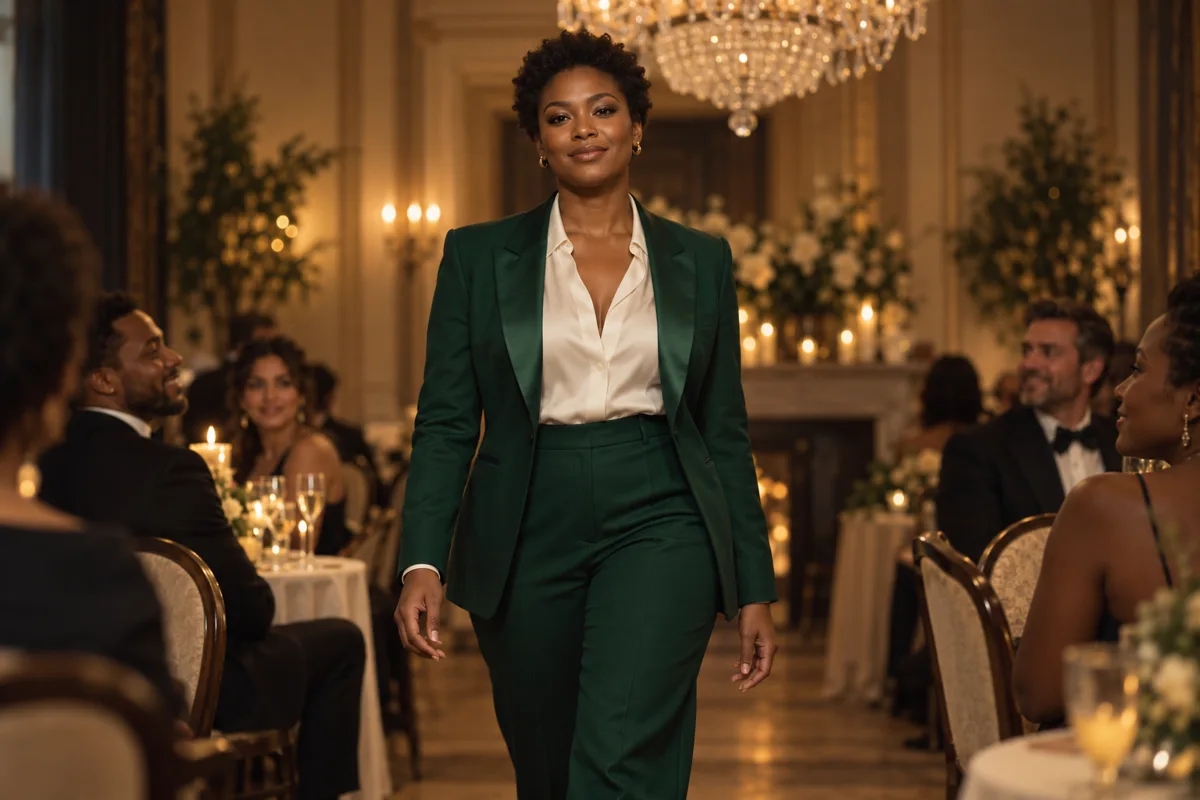
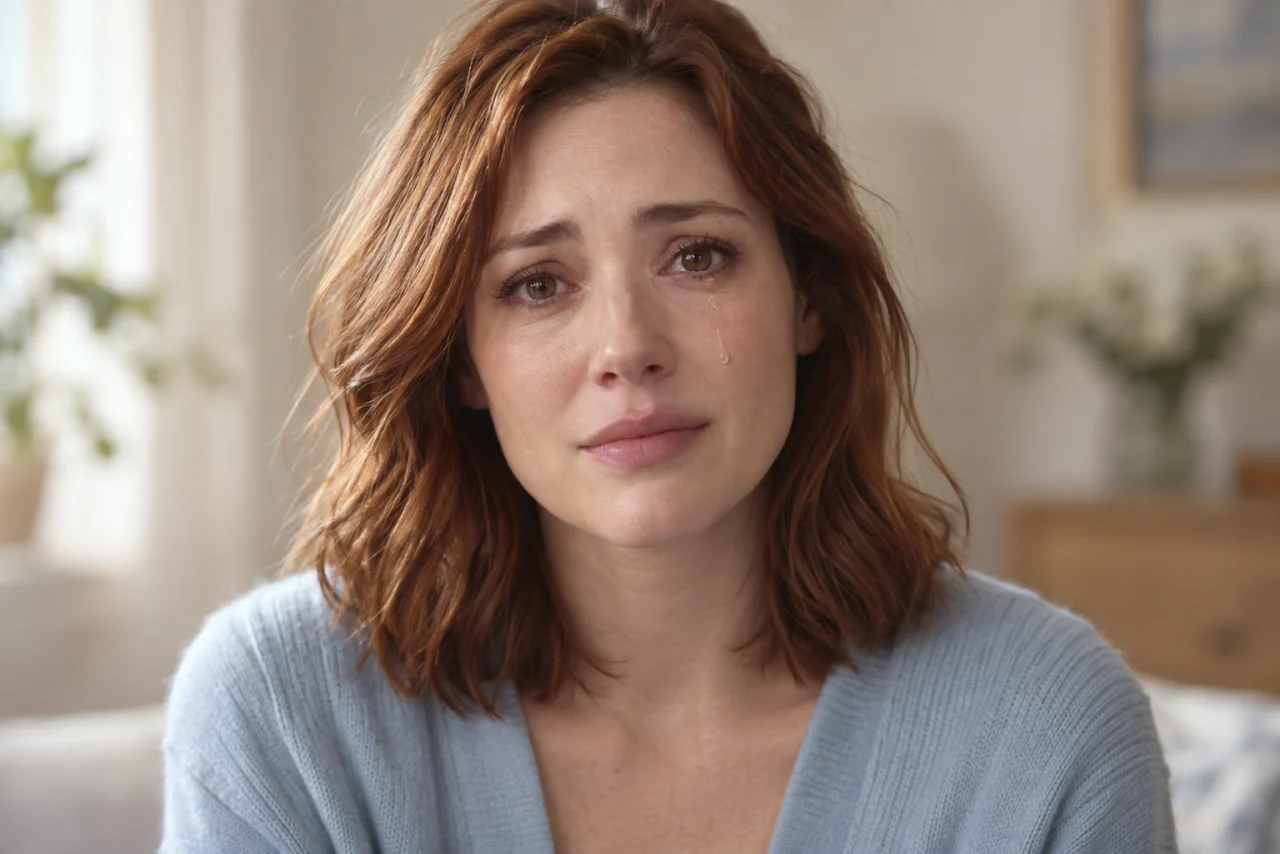
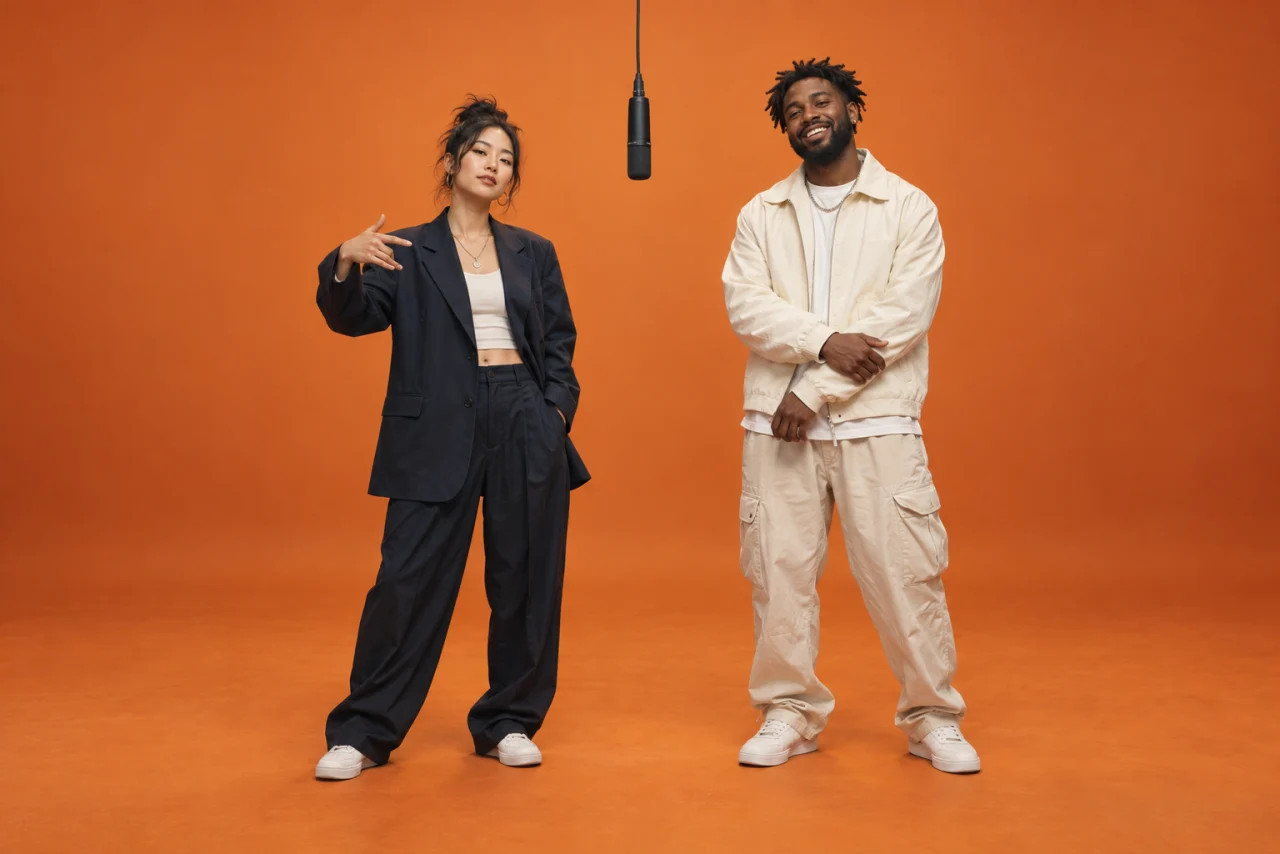
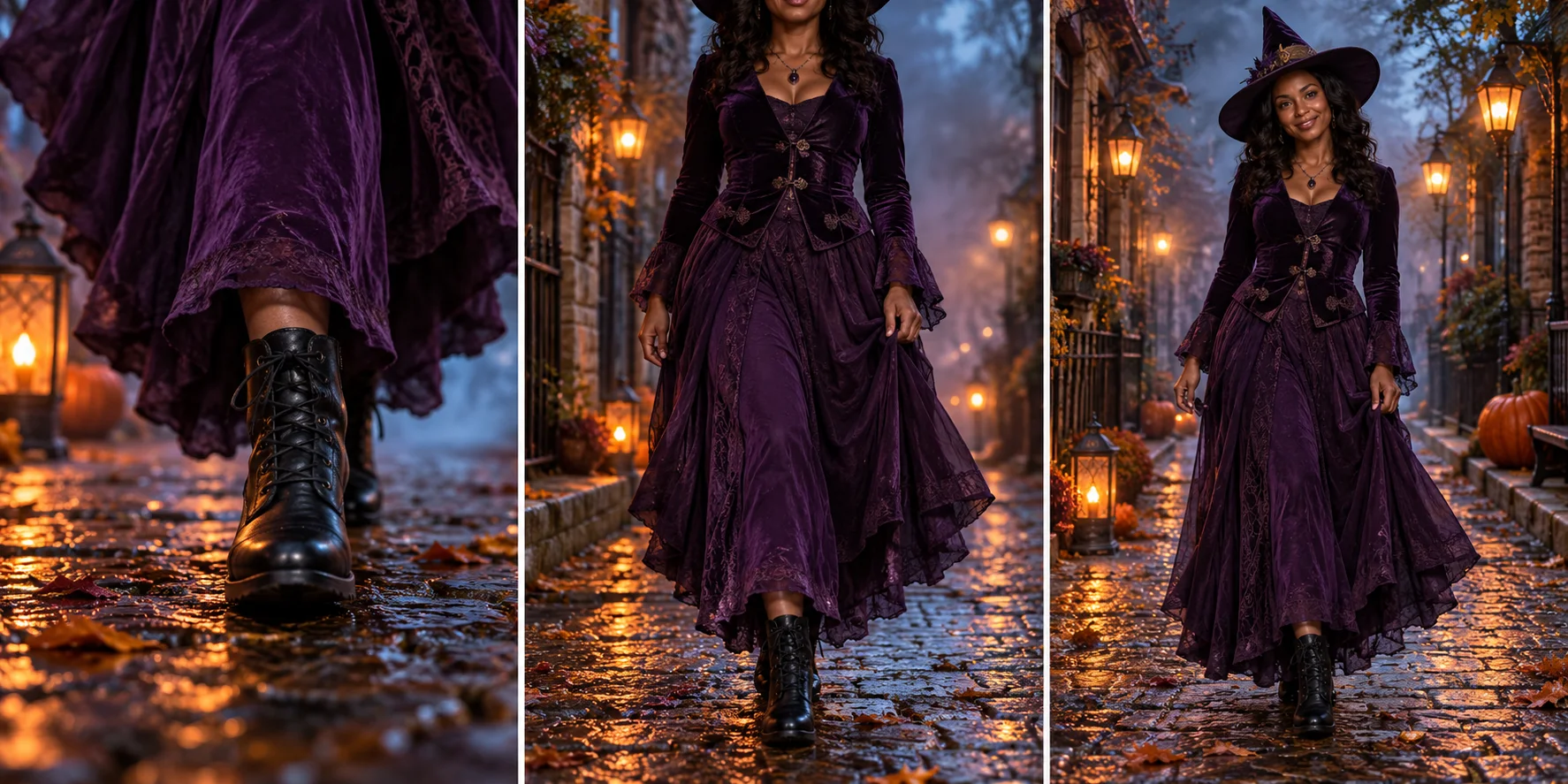
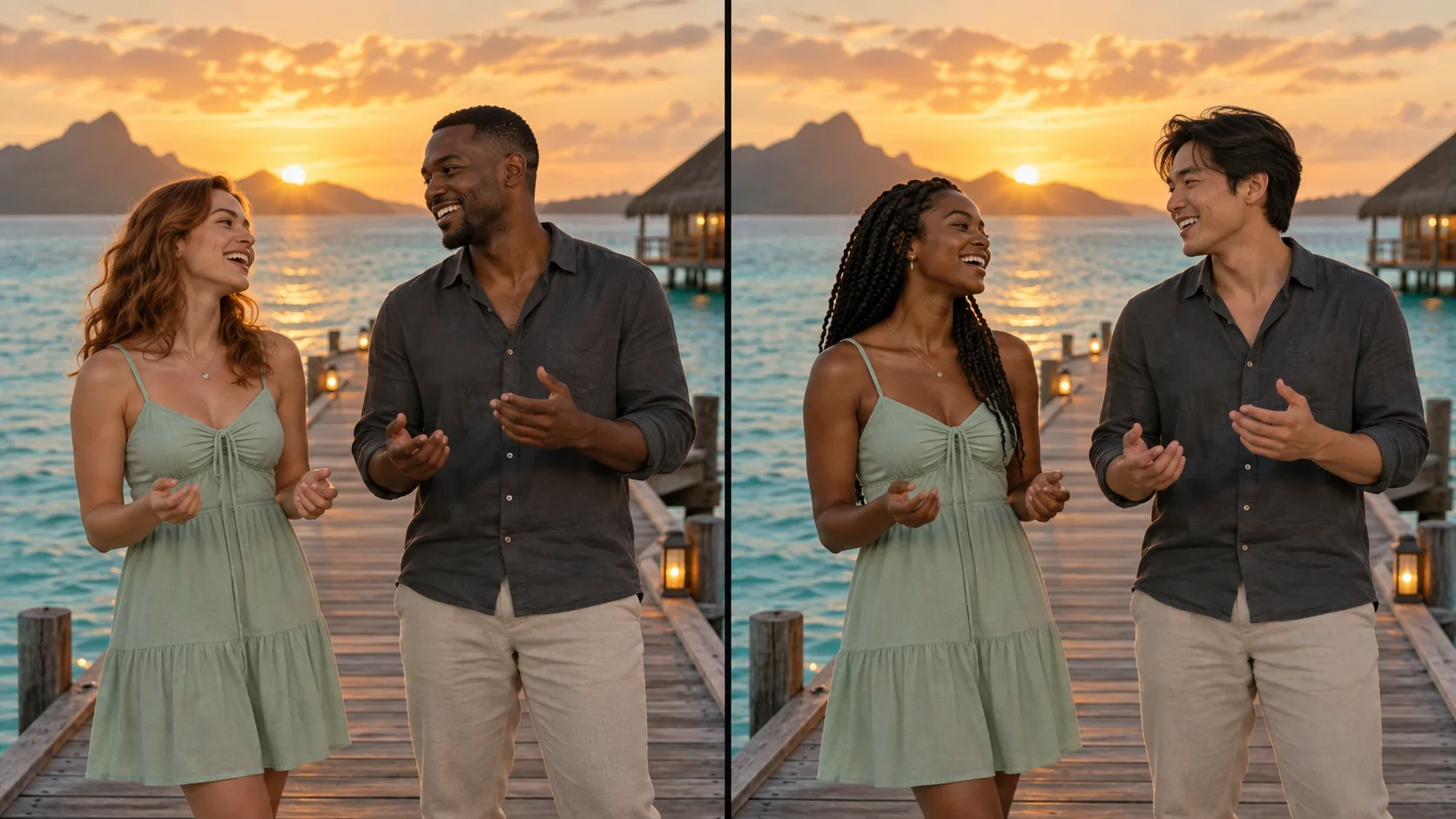
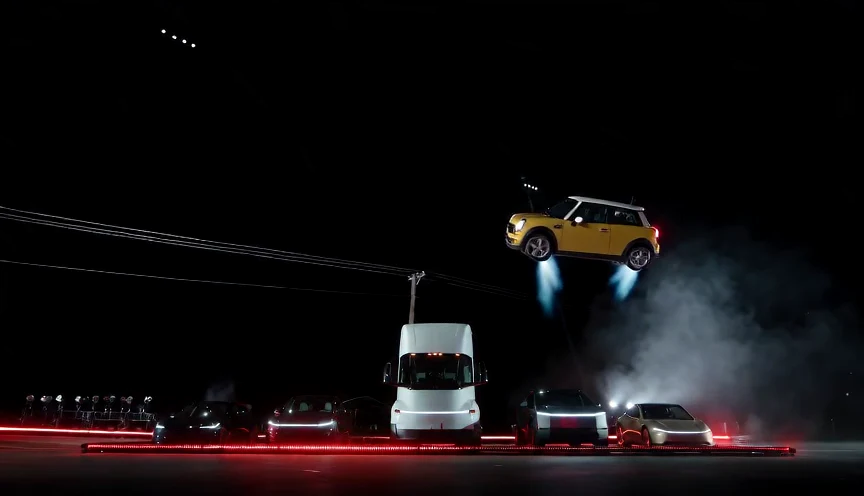
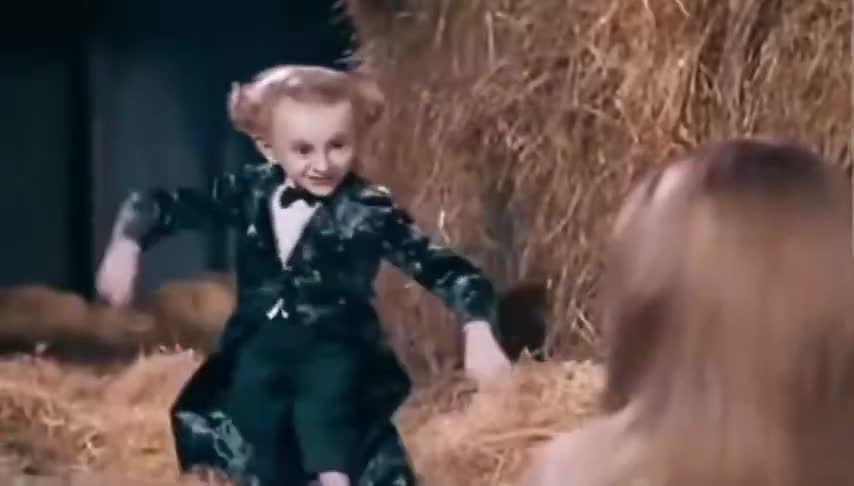
More templates:Rumpelstiltskin face swapTwo-photo RumpelstiltskinClapping black catJack-o'-lantern ideas
Upload a clear photo with the subject fully in frame, or two portraits for a two-photo template. Sign in with Google to continue.
Describe the movement or keep a template's prompt, then pick the model, length and frame ratio. The credit cost updates before you submit.
Generate, then review the clip in My creations. Download it, or adjust the prompt and try again.
Add a blink, a smile or a slow head turn to a selfie, a portrait or a scanned family photo. Subtle motion usually looks the most natural.
Recast a viral clip with your own photo: the Rumpelstiltskin dance, a clapping black cat or a dramatic crying close-up.
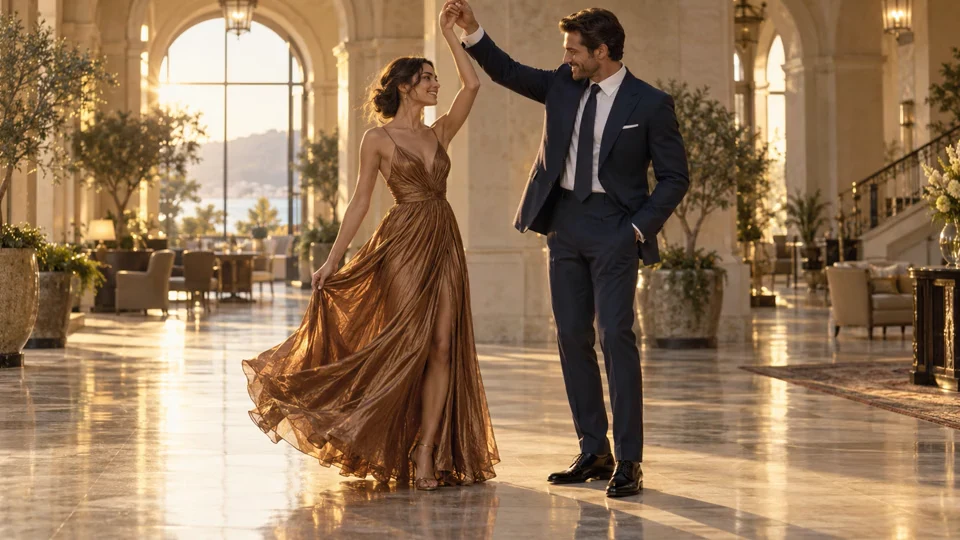
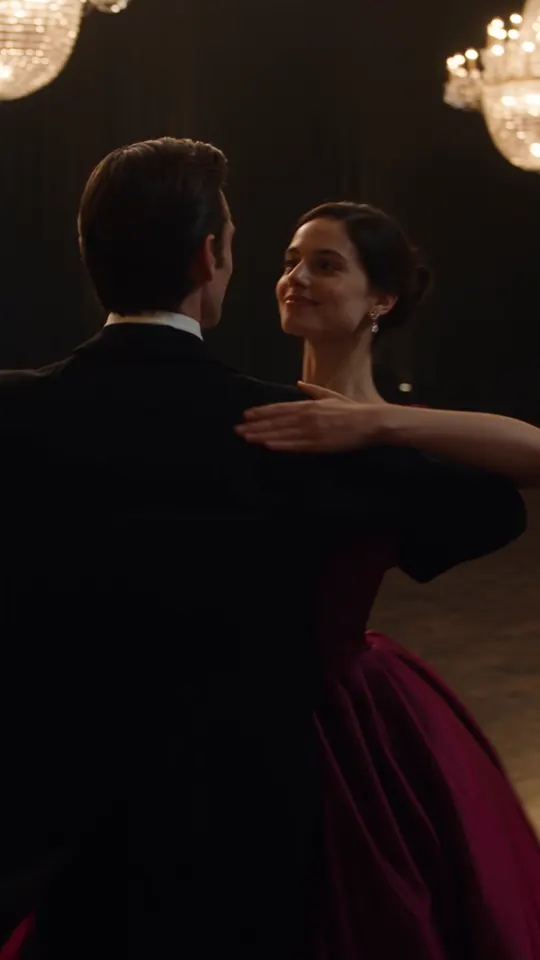
Upload two portraits and place both people in one clip: a hotel lobby dance, a seaside duet or a rap duo on stage.
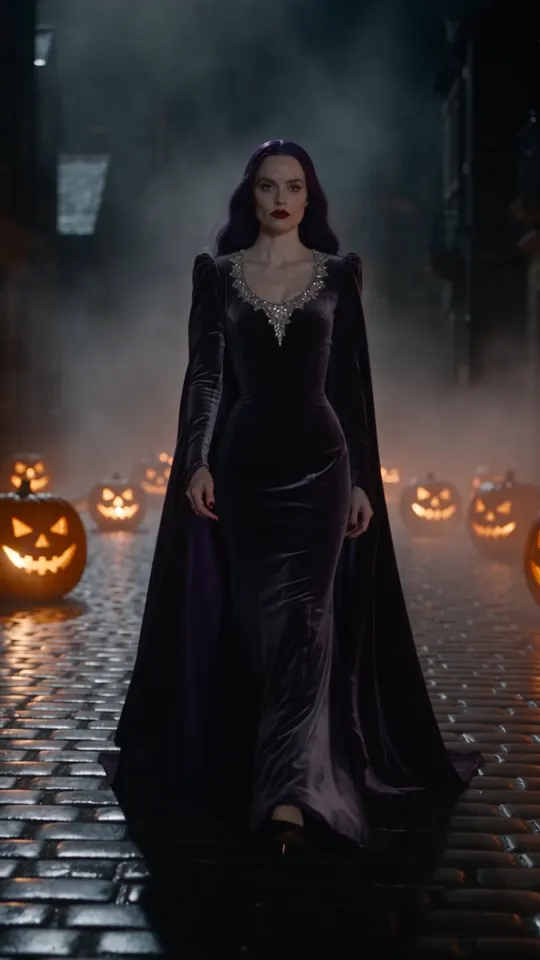
Turn a photo into a Halloween costume walk, a party entrance or a jack-o'-lantern scene.
Describe the subject, action and setting, and Kadenly turns the scene into a video. You can add a reference photo later.
Still have a question? Email support@kadenly.com
Upload your photo at the top of this page or open Image to Video. Describe how it should move, or pick a template, then choose the model, length and frame ratio. The credit cost appears before you submit, and the finished clip is saved in My creations for download.
Choose a clear, well-lit image with your subject fully visible. Use an aspect ratio close to your intended video and avoid important details at the edges. Each tool explains its reference requirements.
Yes. Scan or photograph the print, crop it to the people you want to animate and ask for gentle motion such as a blink, a smile or a slow camera push-in. Faded or blurry photos give less predictable results, and the AI does not repair damage.
Yes. Two-photo templates such as Hotel Lobby, Raindance, AI Rap Duo and the two-photo Rumpelstiltskin meme place both people in the same scene. Faces, clothing and gestures may vary from the originals.
Each video uses credits. The amount depends on the model, length and resolution, and it is shown before you submit. Monthly plans start at $12 for 300 credits; see Pricing for all plans and one-time packages.
Upload one picture, choose how it moves and check the cost before you generate.
Upload a photo