AI Video Character Replacement Templates
Create a new character-cast video from one or two photos. Choose a prepared MV or scene, assign the singer and partner, and receive music and silent exports. This is photo-based scene creation, not an editor for arbitrary source footage.
Start with: a template and your photos
Choose a template. Upload your cast. Get the video.
Your photos supply the cast for a prepared scene. Select a template, choose one or two people where supported, then assign the singer in Duet. This creates a new video; arbitrary source footage cannot be uploaded or edited here.
Use a clear individual portrait for each person. Include the face and visible outfit; avoid group photos and heavily obscured faces.
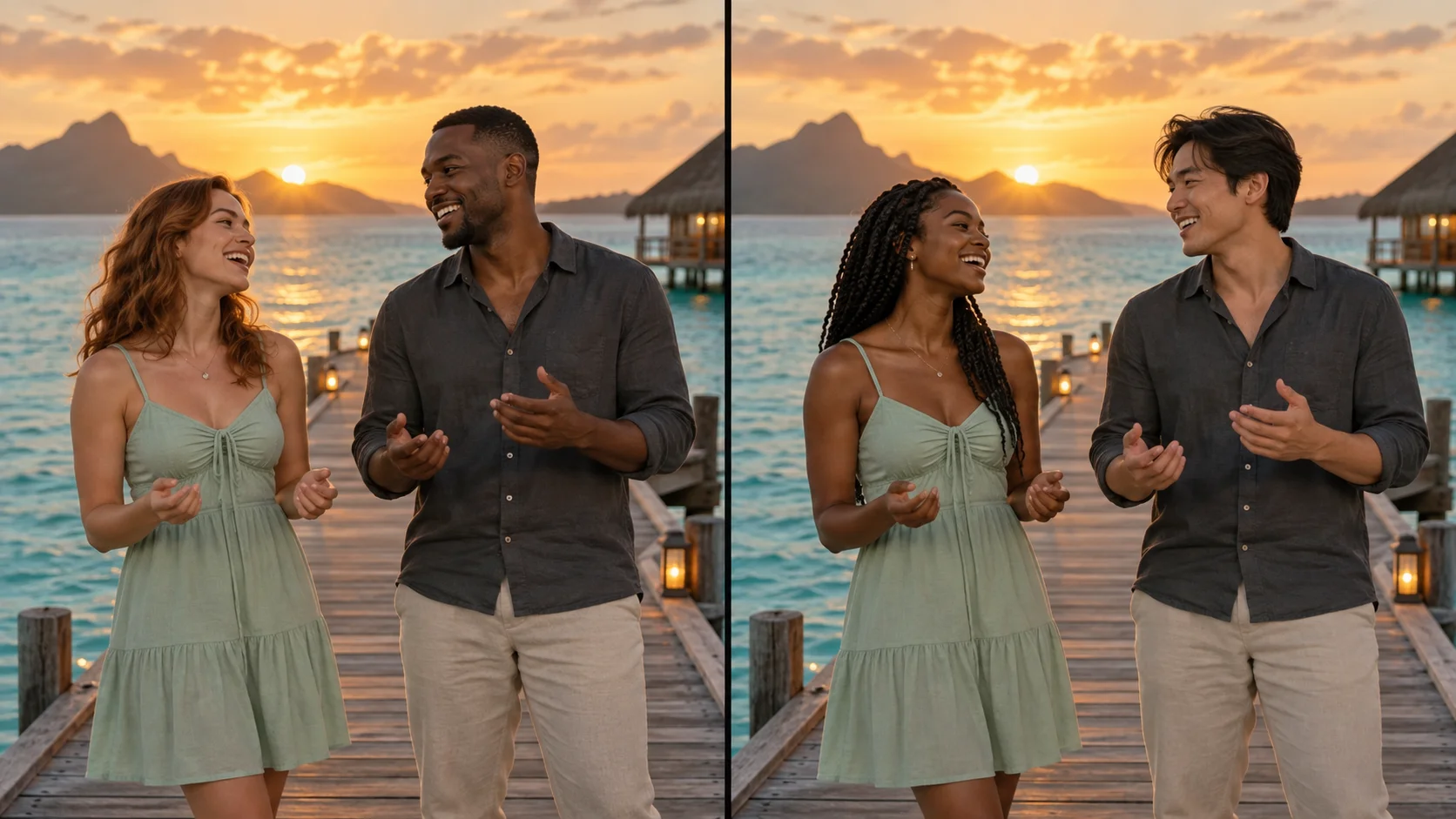
AI concept art, not a verified generated result or an exact before/after comparison.
See the current total before generating
Each template fixes the duration and format. The selected model’s current credit quote is shown in the generator before submission. No reference-video input fee is added.
The finished export includes the fixed music excerpt, with a separate silent export. The visual performance is AI-generated: identity, shot timing and mouth movement can vary. Music composition does not guarantee exact lip synchronization.
Choose your next creative step
Change the starting material, the subject, or the movement. Here is where each tool helps.
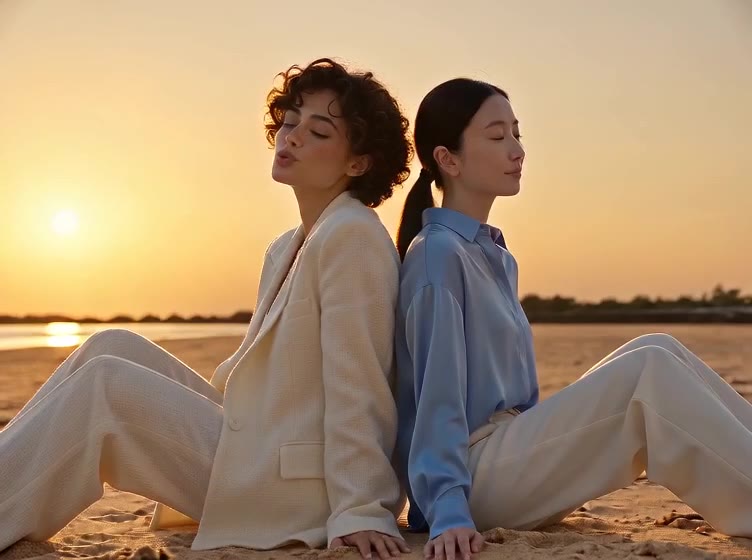 Photo-cast templates
Raindance AI Video Generator
Make a Raindance AI couple or duet video from two photos, with a prepared seaside MV and fixed music. Choose an 8-second Solo or Duet scene for a simpler performance.
a template and your photos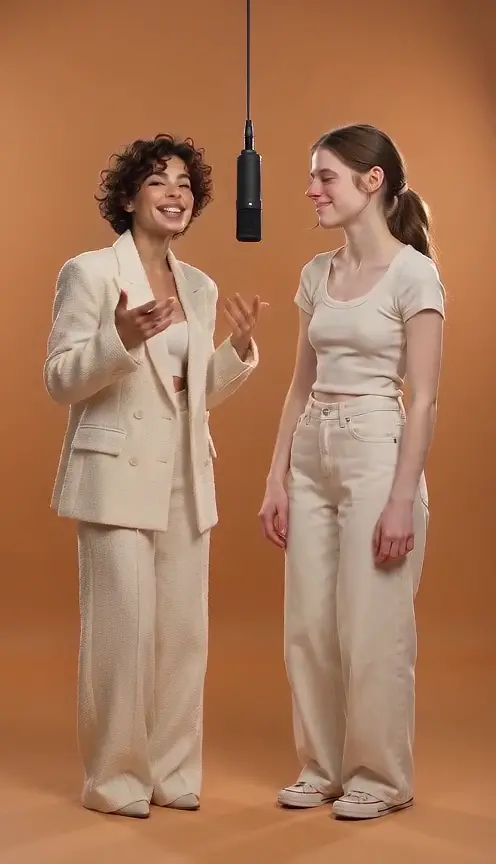 Two characters
Hotel Lobby AI Video Generator
Upload two photos and generate an orange-stage duet.
Two character photos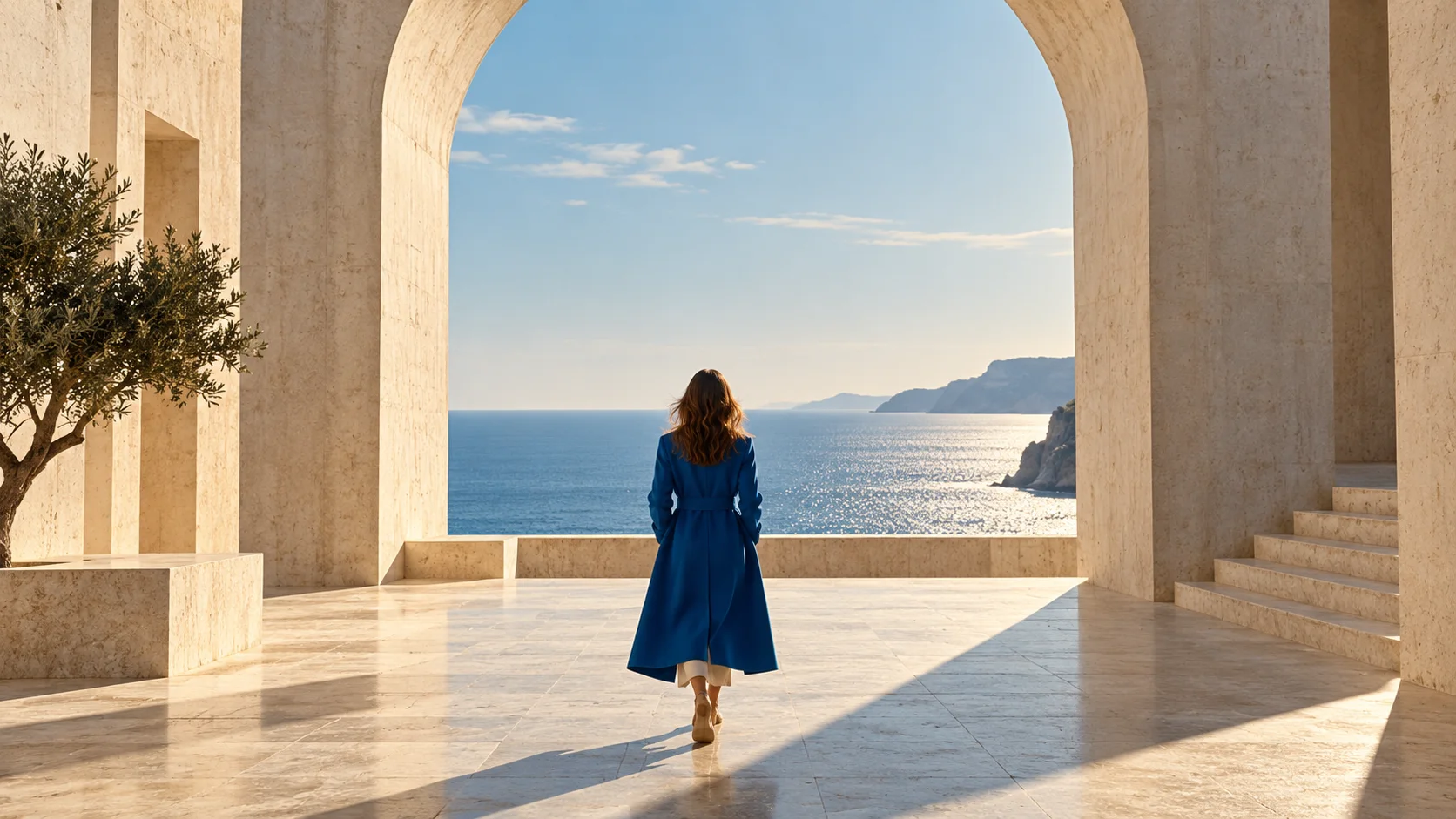 Photo first
Image to Video
Keep an existing image as your visual starting point.
One reference imagePrepare. Direct. Review.
Use these three steps to give your scene a clear direction.
Back to the creator- 01
Choose a complete template
Select the 15-second Raindance MV or an 8-second vertical scene. The template sets the background, duration, format and music.
- 02
Upload your cast
The MV needs two individual photos. Other scenes support Solo or Duet. In Duet, choose which photo supplies the singer; the other person is the partner.
- 03
Generate, review and download
Check the displayed credit quote, then generate. Review both identities and all shots, listen to the music version and download it or the silent export.
Give your idea a head start.
- Choose the template before uploading. The MV uses two portraits; the other scenes offer Solo and Duet.
- Choose the singer by photo number, not left/right position: people can move between shots.
- Use clear individual portraits with visible outfits. Review identities after every cut, including solo close-ups.
- The cover is AI concept art, not a verified generated result. Shot timing and mouth movement are approximate.
A few questions, answered.
Get to know ai video character replacement templates before you start.
What does this character replacement tool do?
Your photos supply the new cast for a prepared scene. Choose a complete template and map the singer and partner. No source-video upload is required; arbitrary footage replacement is outside this workflow.
Do I need to upload a reference video?
No. Choose the template and provide the required one or two photos. The template already defines the setting, performance recipe, duration, format and soundtrack.
Is this a frame-by-frame face swap?
This tool creates a new video from your photos and a prepared scene recipe. It does not edit an arbitrary uploaded video. Camera movement, facial details and mouth movement can vary; review the complete result.
Does it include music?
The finished export includes the fixed Raindance soundtrack excerpt. A silent version is also available. Mouth movement is approximate; adding the soundtrack does not guarantee exact lip synchronization.
What does generation cost?
The selected template has a fixed duration and format. Its current credit quote is shown before generation; no reference-video upload or reference-input processing charge is added. A recorded failed task restores deducted credits. A completed creative result remains charged.
How should I prepare the photos?
Use one clear adult portrait per slot, with the face unobstructed and the clothing you want visible. Separate individual portraits give clearer identity references than group photos.
Can I use it for a couple or friends?
Yes. Duet casts photo 1 and photo 2 as two distinct people. In single-shot presets, Solo needs one photo. The main MV template always uses two people.
A little guidance for your next creation
Your turn to make it happen.
Start with the example. Then add your own perspective.