Hotel Lobby AI Video Generator
Create a Hotel Lobby-style AI duet from two photos. Use the ready-made orange-studio prompt or customize the scene and actions, then preview and download.
Start with: Two character photos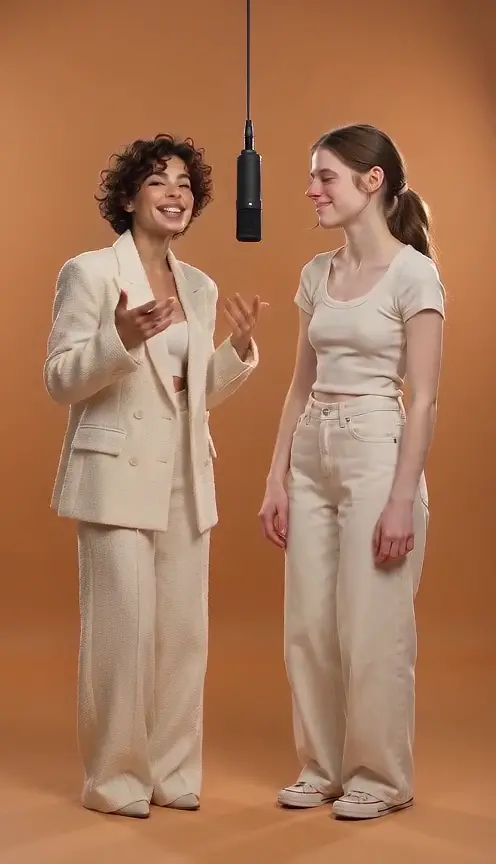
What does this Hotel Lobby AI generator create?
Turn two separate character photos into a short duet in an orange recording studio. The first photo sets the left performer and the second sets the right. Kadenly fills in a performance prompt for you; edit it to change the setting, gestures or mood. The result is a newly generated performance, inspired by the two-person Hotel Lobby look.
- Inputs
- Two photos + an editable prompt
- Default scene
- Orange studio, one hanging mic, alternating performers
- Output
- A downloadable AI video; settings depend on the current model
- Before generating
- Sign in and check the displayed credit cost
Two reference photos → a real generated duet
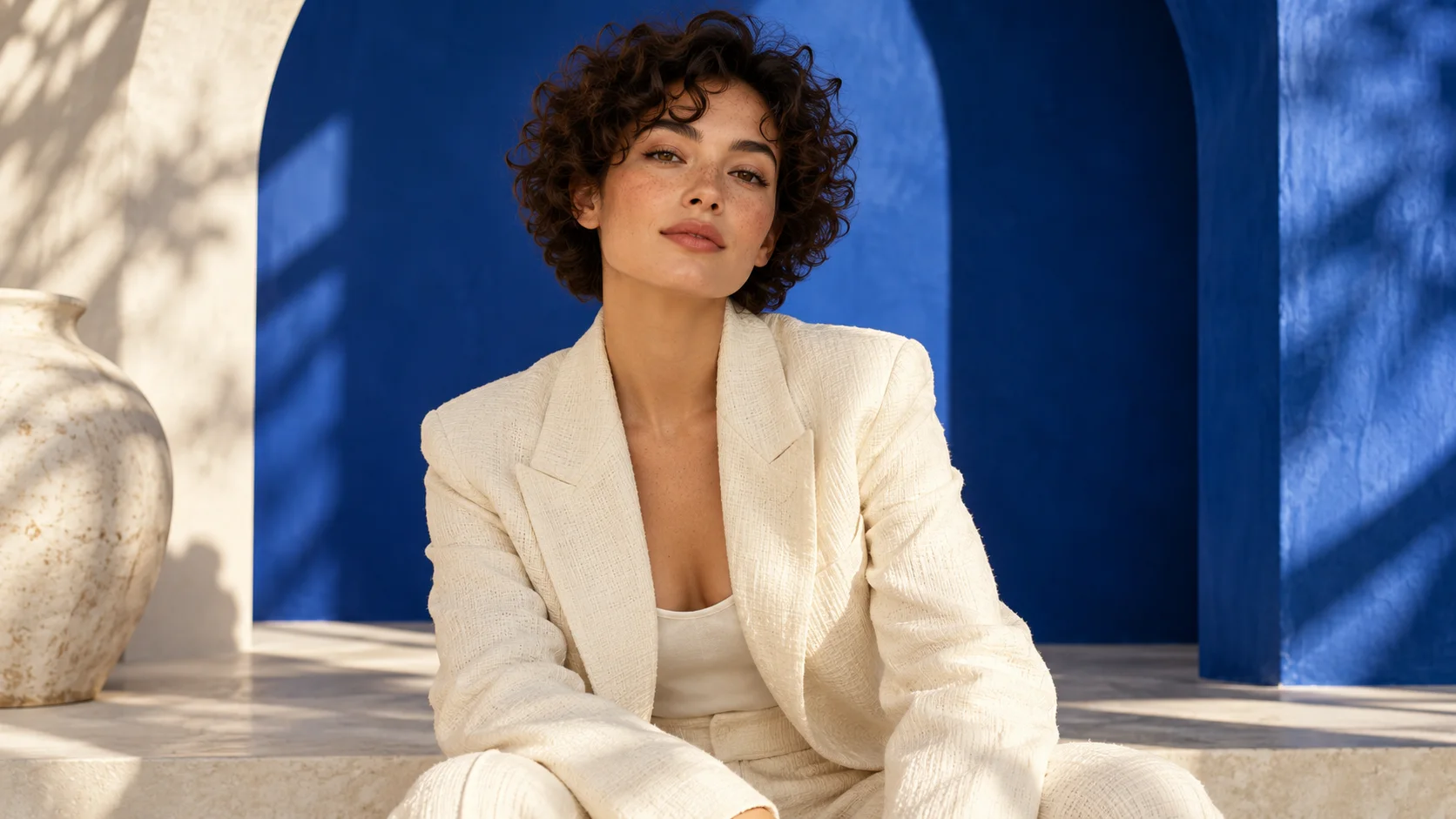
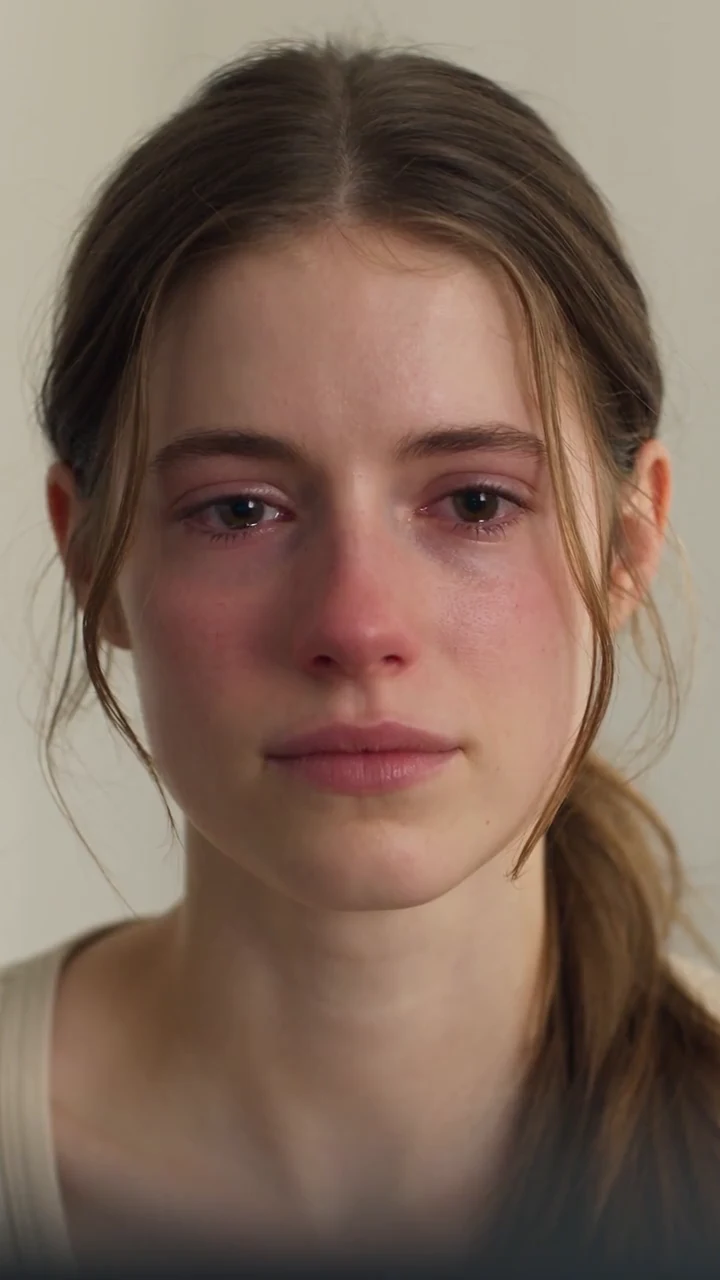
How to customize the Hotel Lobby prompt
The full default prompt is in the editable box above. It assigns each photo a role, describes the orange set, alternates the lead performer and keeps the camera fixed. Keep those identity instructions and change one creative detail at a time.
Keep @Image1 on the LEFT and @Image2 on the RIGHT. The left performer gives a playful hand gesture while the right nods, then they switch. Warm orange studio, one hanging microphone, fixed camera, one continuous shot.
This shorter example is a starting point to adapt, not a second verified result. Add a small gesture, different lighting or a clear mood. Avoid conflicting positions, rapid cuts or several scene changes in a short clip; those make identity and timing harder to inspect.
Make the duet your own
A duet with a friend
Use two separate portraits and describe a playful call-and-response: one leads while the other reacts, then they switch.
A couple or sibling greeting
Keep the two roles distinct and ask for small waves or a shared smile. Use photos with a similar viewing angle and clear faces.
Your original characters
Choose two characters you created and give each a different gesture. Check their silhouette and colors in the finished clip; style consistency can vary.
Improve a result before sharing
The faces or sides change
Use one clearly visible person per image. Keep @Image1 left and @Image2 right in the prompt, leave a gap between them, and reduce overlapping actions or camera movement.
The outfit looks invented
Upload a photo showing the clothing and body you want. A cropped headshot cannot tell the model what is outside the frame; ask for a closer composition if full-body detail is unimportant.
The task fails or remains in progress
Check My Works before submitting again. A task recorded as failed restores its deducted generation credits. A completed clip you dislike is not automatically a failed task; another generation uses additional credits.
Choose your next creative step
Change the starting material, the subject, or the movement. Here is where each tool helps.
Prepare. Direct. Review.
Use these three steps to give your scene a clear direction.
Back to the creator- 01
Choose the left character
Add a clear, single-person portrait for the left position.
- 02
Choose the right character
Add a second portrait and check the order before continuing.
- 03
Edit the prompt, generate and review
Keep the prefilled prompt or edit the scene and actions. Check the settings and credit cost, generate, then review both characters before downloading.
Give your idea a head start.
- Use a separate image for each character.
- Choose portraits with visible faces and even lighting.
- Check the left and right positions before previewing.
A few questions, answered.
Get to know hotel lobby ai video generator before you start.
What is a Hotel Lobby AI video?
A Hotel Lobby-style AI video places two performers in an orange studio with a hanging microphone. Kadenly uses two separate photos and an editable prompt to create a new duet. This beta does not reproduce the original song or guarantee identical choreography.
Which photos and file formats should I upload?
Use one person per photo, with a clear face, even lighting and as much of the body visible as possible. The first photo is left; the second is right. Use JPEG or PNG for broad compatibility, up to 10 MB per image; the selected model shows any additional supported formats. Use photos you have permission to upload.
Will both people keep their faces and clothes?
The prompt asks the model to preserve each identity and visible clothing, but results can change faces, hands or outfits. A close-up photo does not show the full outfit, so the model may invent it. Review both people and their positions before sharing.
Can I customize the Hotel Lobby prompt?
Yes. The default duet prompt is already filled in and editable. Keep it or change the scene, lighting and actions before generating. Your submitted prompt is used with both photos. Keep @Image1 assigned to the left performer and @Image2 to the right for clear roles.
Is Hotel Lobby video generation free?
Generation requires an account and sufficient site credits. The current model and duration show the credit cost before you submit. The public example is free to watch; watching it does not start a paid generation. Credit packages are listed on Pricing.
Which duration and aspect ratio can I choose?
Choose from the options currently shown in the generator. A four-second, vertical preview has been tested on this page. Available durations and ratios can change with the connected model; the example does not establish support for a 30-second video.
Does the video include the original Hotel Lobby song?
No. The default prompt requests an original backing beat and short vocal phrases when the connected model supports audio. It does not recreate the original song. Check the audio setting before generating; exact vocals, timing and lip synchronization are not guaranteed.
Do I need a reference video for this tool?
No. This page takes two photos and a prompt, without a customer-supplied reference video. It synthesizes a new performance. Copying the exact movements of an existing clip requires a separate compatible motion-reference workflow.
A little guidance for your next creation
Your turn to make it happen.
Start with the example. Then add your own perspective.