A pumpkin can be welcoming, ridiculous or a little unsettling. Start with the expression, then choose the porch, garden or forest around it. These six AI concept images give you a concrete starting point; each includes a video direction you can load into the creator above.
AI concept artwork · not a real carving or video result
AI concept artwork · not a real carving or video result
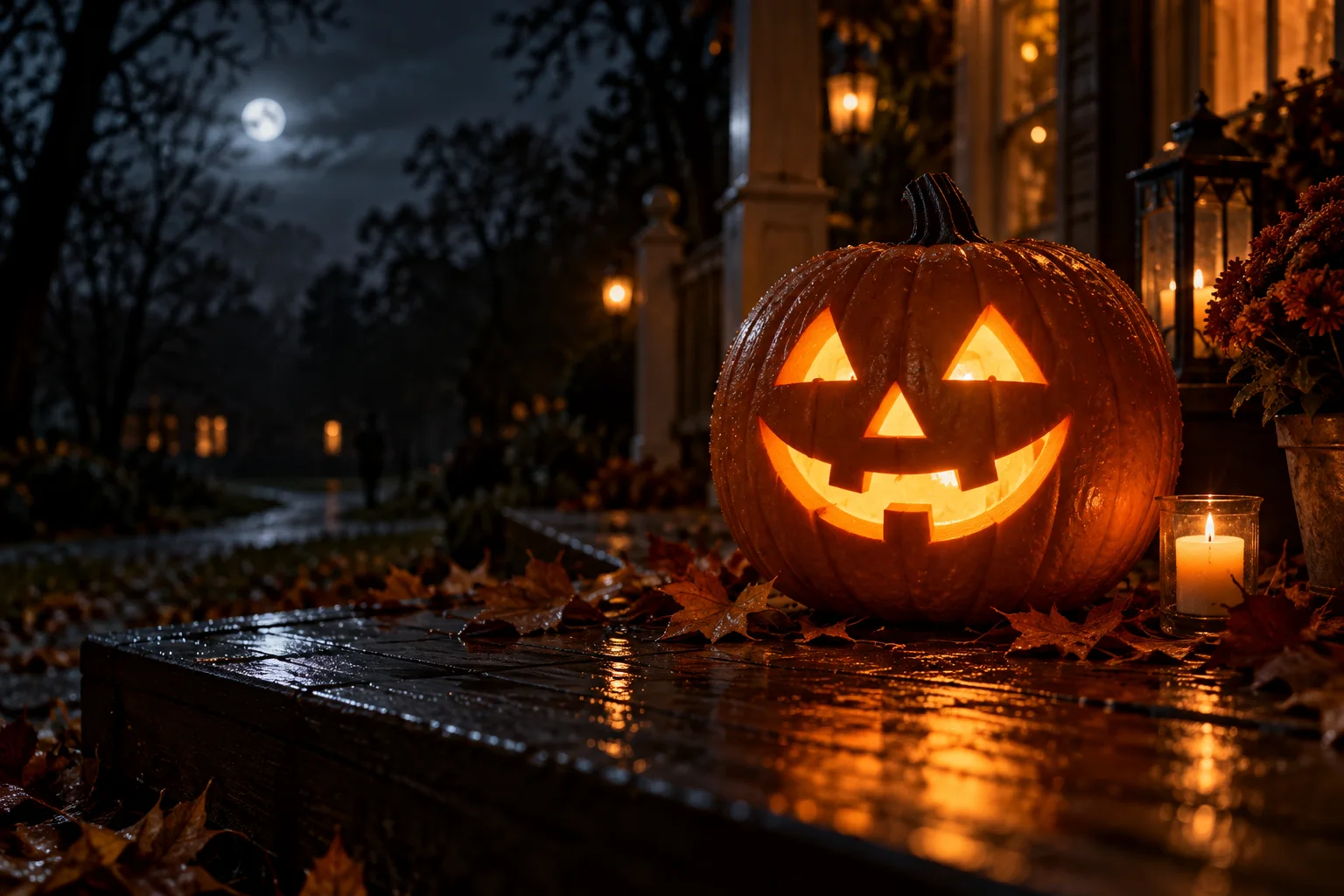
Classic porch grin
Triangle eyes, a small nose and a wide grin give this easy jack o lantern idea a readable silhouette. Leave generous space between the features when sketching a physical version.
Video idea: A slow push toward the pumpkin while its warm light gently flickers; a few leaves slide across the wet step.
View editable video prompt
A classic orange jack-o-lantern with triangular eyes, a small triangular nose and a wide toothy grin sits on a rain-damp wooden porch at blue hour. Warm interior light contrasts with cool moonlight. Slowly push the camera toward the face as the glow gently flickers and a few autumn leaves move across the step. Keep the pumpkin solid, its carved openings fixed and its shape unchanged. One continuous shot, no people, text, logos or sudden cuts.
AI concept artwork · not a real carving or video result
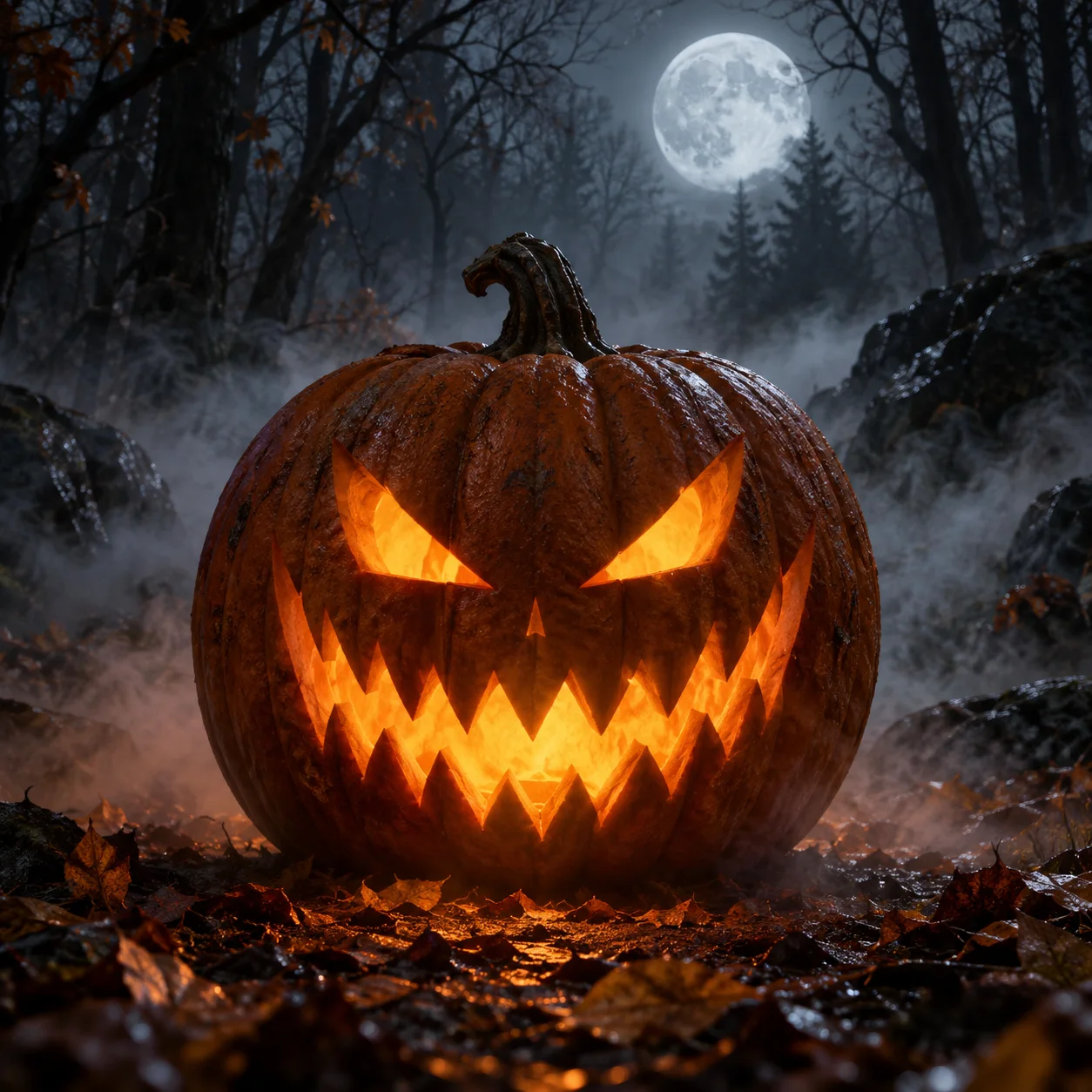
Forest fangs
For scary jack o lantern ideas, narrow angled eyes and a jagged mouth do most of the work. This digital concept uses dense teeth; simplify them before attempting a real carving.
Video idea: Keep the face still; let low fog drift past and the light brighten once for a quiet reveal.
View editable video prompt
A single orange jack-o-lantern with narrow angled eyes and a jagged toothy mouth rests among autumn leaves in a moonlit forest. Hold a low locked camera as thin ground fog drifts past. The warm light inside slowly brightens once and settles. Preserve the carved face and rigid pumpkin surface; no moving mouth, creatures, gore, jump scare, lettering or cuts. One atmospheric Halloween shot.
AI concept artwork · not a real carving or video result
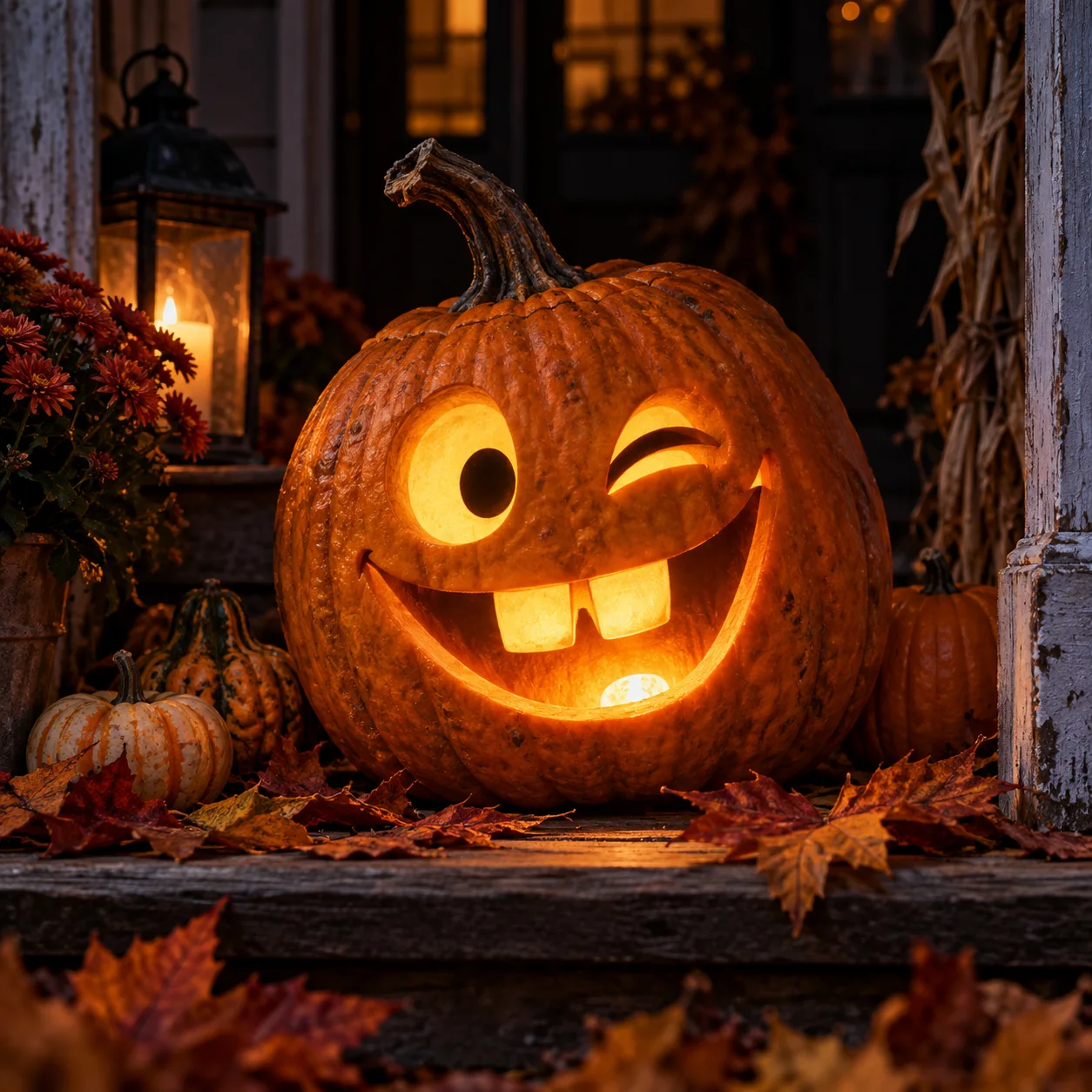
Winking porch pumpkin
Funny jack o lantern ideas can start with one round eye, one carved wink and two oversized teeth. Uneven features give the face character without needing a crowded scene.
Video idea: Try a short sideways camera slide that reveals the carved wink, with a gentle light pulse at the end.
View editable video prompt
A playful jack-o-lantern on a cozy autumn porch has one circular eye, one permanently carved wink and two oversized square teeth. A lantern and fallen leaves frame it. Slide the camera a small distance sideways to reveal the wink and finish with one soft pulse of warm interior light. Keep all cutouts fixed; the pumpkin does not blink or speak. One continuous cheerful shot, no people, text or logos.
AI concept artwork · not a real carving or video result
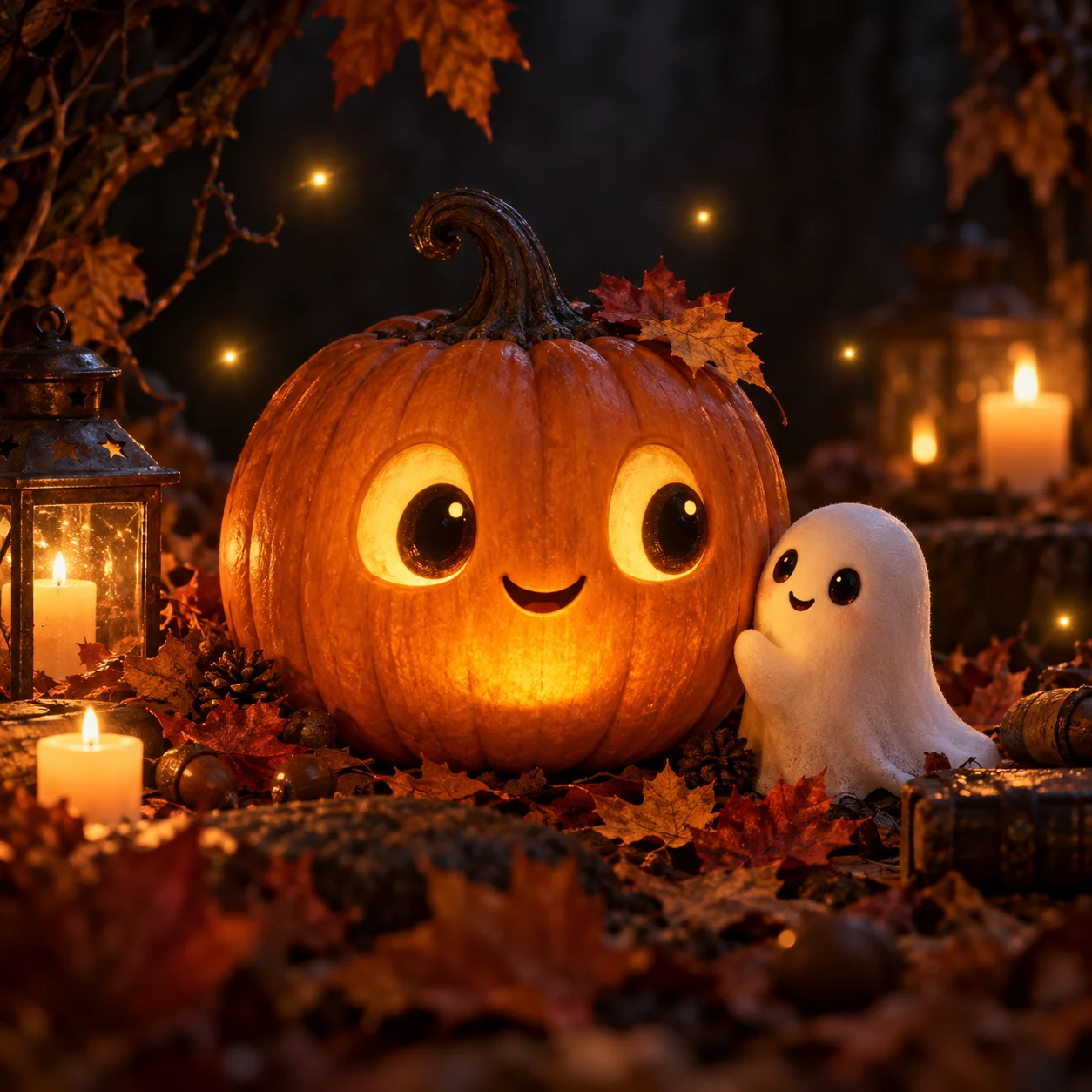
Pumpkin and ghost friend
Cute jack o lantern ideas work with rounded eyes, a small smile and warm colors. The ghost here is a separate decorative character, not a shape cut out of the pumpkin.
Video idea: A slow camera move, floating specks of warm light and one tiny ghost bob are enough for a friendly greeting.
View editable video prompt
A round-eyed smiling jack-o-lantern sits beside one small friendly white ghost decoration on an autumn porch. Soft warm lantern light, amber leaves and a cozy night background. Slowly move the camera closer; a few warm light specks float and the ghost gently bobs once. The pumpkin remains rigid and its face stays fixed. Gentle family-friendly atmosphere, one continuous shot, no scary transformation, text, logos or dialogue.
AI concept artwork · not a real carving or video result
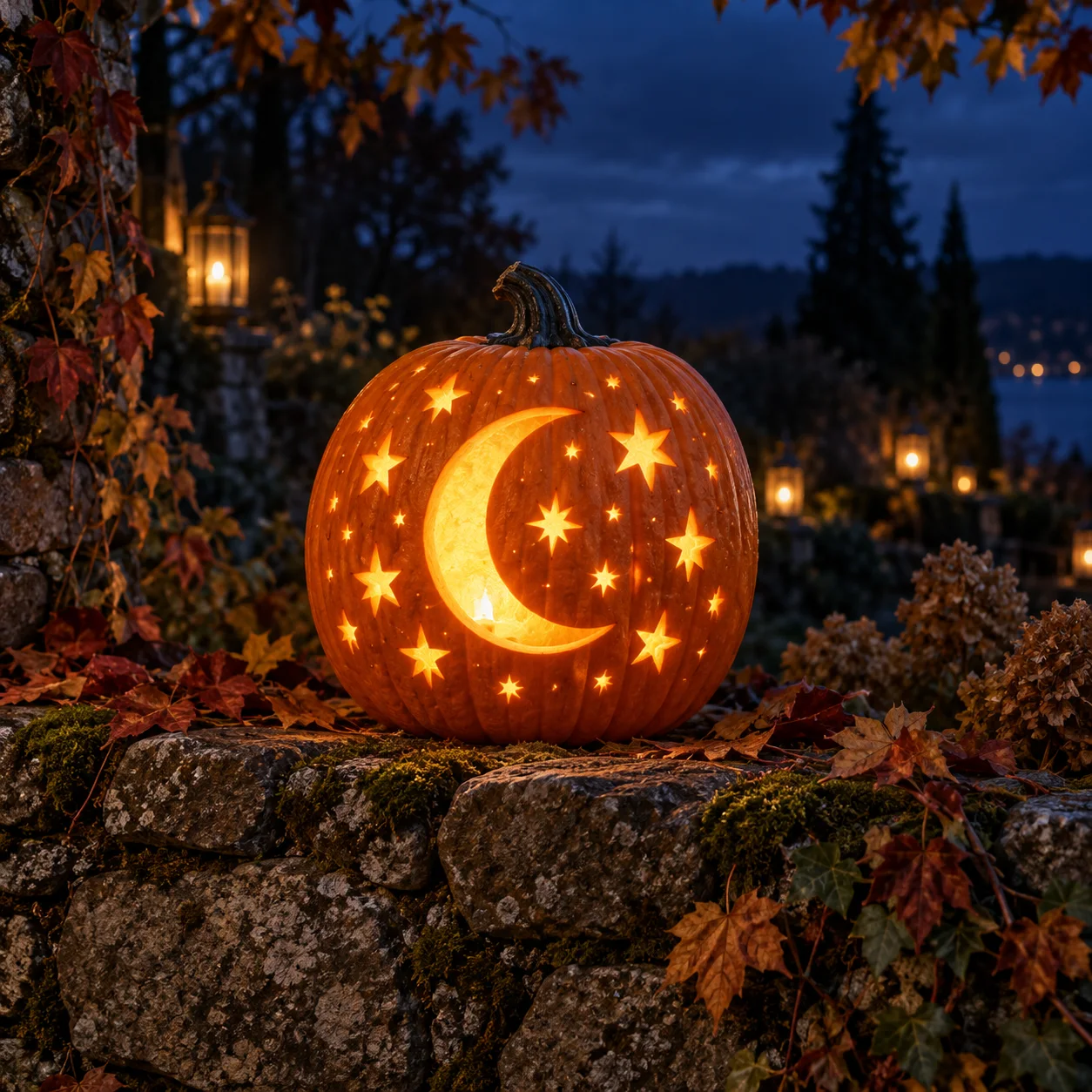
Moon and stars
A crescent and scattered stars offer a jack o lantern design without a face. Use fewer, larger stars if you adapt the idea by hand; tiny repeated openings need more planning.
Video idea: Let the internal light shimmer softly while the camera makes a small arc around the garden wall.
View editable video prompt
A jack-o-lantern carved with one large crescent moon and scattered star shapes glows on a moss-covered stone garden wall at blue hour. Gently arc the camera a small distance around the pumpkin as the warm light shimmers and distant leaves rustle. Keep every crescent and star opening fixed and the pumpkin solid. Quiet magical autumn mood, one continuous shot, no text, logos or additional objects.
AI concept artwork · not a real carving or video result
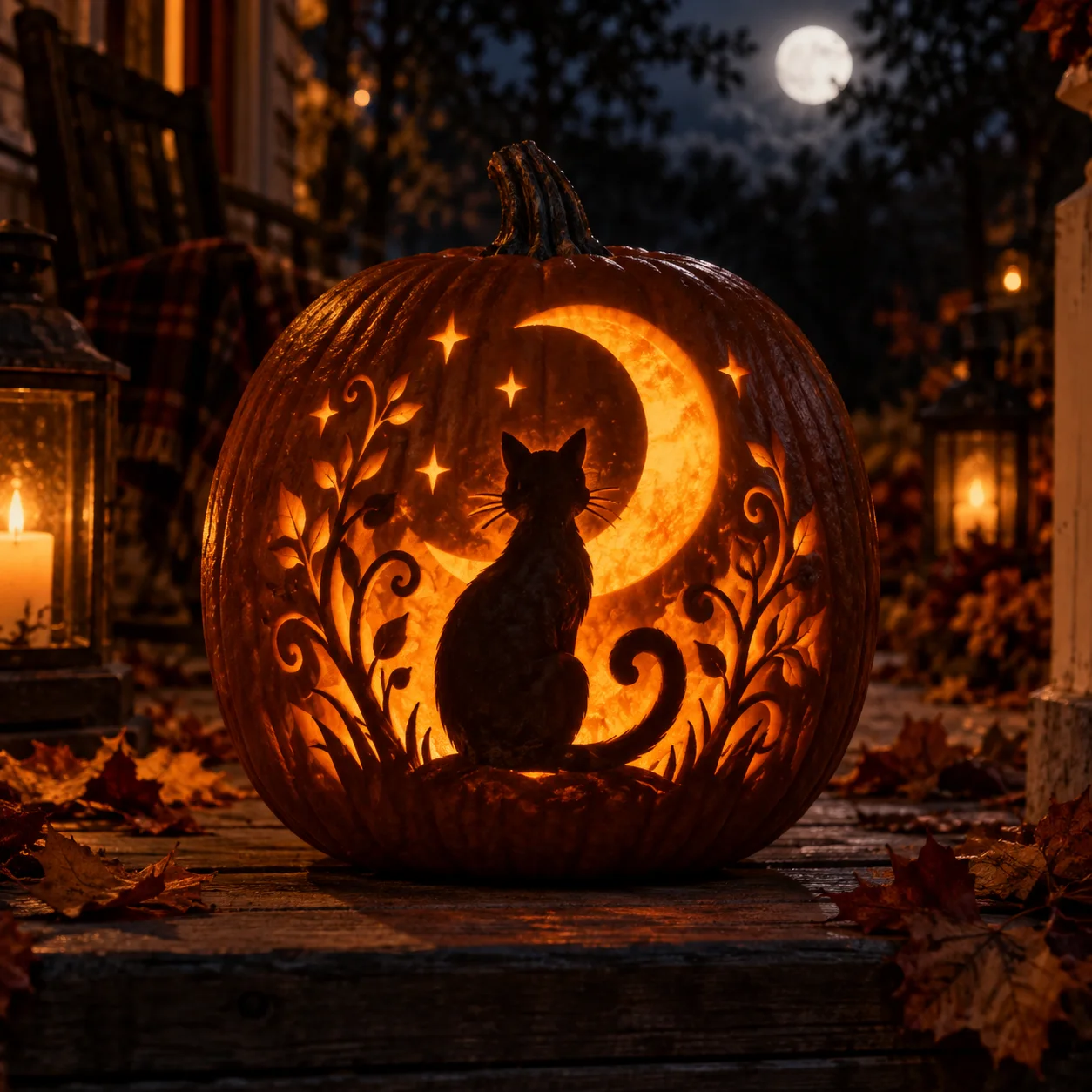
Black cat and crescent
A cat silhouette, curled tail and crescent make a pet-inspired Halloween design. This intricate AI concept is visual inspiration: it is not a tested stencil and the fine vines would need simplification.
Video idea: Move toward the silhouette, keep the carved cat completely still, and add subtle light flicker behind it.
View editable video prompt
An orange jack-o-lantern with a fixed black cat silhouette, curled tail, crescent moon and decorative vine cutouts glows on a moonlit wooden porch. Slowly push toward the silhouette as the interior light flickers subtly and nearby leaves sway. The cat is a carved design, not a living animal; no movement inside the silhouette or new limbs. Preserve the pumpkin and all openings. One continuous cozy Halloween shot, no text or logos.
How to choose a jack-o-lantern design
For an easy jack o lantern idea, keep the face bold: large eyes, a broad mouth and a few teeth. A funny design comes from an uneven expression, while a scary one uses sharper angles and darker surroundings. Cute designs lean on round shapes and warm light. Moon and cat motifs add a theme, but fine details in an AI image do not automatically become a usable carving pattern.
Turn an idea into a short Halloween video
Choose one subject, one small movement and one camera direction. A light flicker can reveal a grin; drifting fog makes a forest scene spooky; a camera slide can show off a carved pattern. The button loads text only and replaces your prompt when clicked. Your images, model, duration and ratio stay under your control. Generation uses the current quote; captions and sound can be added after downloading.
Digital inspiration and physical carving
This page generates videos, not carving plans. Gallery images are AI concepts reused from the owner’s Pumpkin Studio project; no physical carving or pumpkin-video result was tested for this release. Isolated shapes, thin bridges, tiny teeth and shading need a separate stencil process. If your goal is a real pumpkin, use a tested pattern and proper carving guidance. For filming your own finished pumpkin, use Image to Video.
Browse six AI concept images below. Pick a classic grin, scary face, funny wink, cute ghost, moon-and-stars pattern or cat silhouette.
02
Load and personalize the prompt
Click Use this video idea to replace the prompt explicitly. Change the setting, color or camera move. Current materials and model settings stay; start with the 8-second landscape default or choose a supported vertical format.
03
Generate, review and download
Review the current model and credit quote, then generate. Check that the pumpkin shape and cutouts stay stable before downloading your MP4. Add captions and your own sound in an editor.
Give your idea a head start.
The six images are AI-generated concept artwork, not real carvings or finished video results. No pumpkin video was generated for this page launch.
For easy designs, choose large eye and mouth shapes. For physical carving, use a proper stencil and plan bridges that support isolated shapes; these concepts have not been tested for that.
One camera move and gentle light flicker usually make a clearer direction than a moving mouth, multiple cuts or a pumpkin transformation. Motion and exact shapes can vary.
The default silent Mini preset is 8 seconds, 16:9. Model availability and price come from the existing creator. Change to a supported 9:16 format for a social post and leave room for captions.
A few questions, answered.
Get to know jack o lantern ideas & ai video generator before you start.
What are some easy jack o lantern ideas?
Start with triangle eyes and a broad grin, a simple wink or a large crescent. Fewer, larger features are easier to sketch than fine vines and rows of tiny teeth. The gallery provides digital inspiration; it does not provide tested cutting templates.
Can I make scary, funny or cute pumpkin videos?
Yes. The gallery includes separate prompts for forest fangs, a winking porch pumpkin and a pumpkin with a friendly ghost. Load one explicitly, then edit its setting or movement. The AI creates a new clip rather than reproducing the concept image exactly.
Are these photos of real carved pumpkins?
No. All six gallery images are AI-generated concept artwork reused from the site owner’s Pumpkin Studio project. They are visual references, not evidence of successful physical carving or generated video quality.
Does this page make printable pumpkin stencils or carving PDFs?
No. This page helps you browse pumpkin designs and generate AI videos. It does not check carving structure, repair bridges or export printable stencils or PDFs. Use a dedicated stencil tool and inspect its output if you plan to carve a real pumpkin.
Can I animate a photo of my own jack-o-lantern?
Use the linked Image to Video tool and upload your own photo. Keep the pumpkin sharp and unobstructed, and request gentle light flicker or a small camera move. This gallery loads a text prompt only; it does not silently send its artwork as your generation input.
Is generating a pumpkin video free?
Browsing the ideas is free. AI generation uses credits; the current quote is shown before submission. Confirmed failed tasks restore deducted credits. A completed clip is charged even if its creative details differ from the prompt.