Zombie AI Video Generator
Turn two photos into an original zombie love story: an infected partner, a moment of hesitation, an embrace and a warm memory. Edit the story prompt before generating.
Start with: Two character photos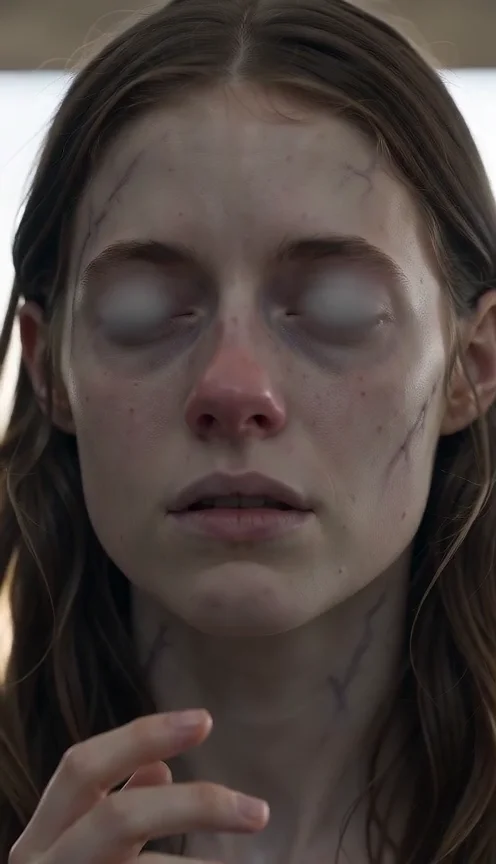
Two portraits → an original zombie love story

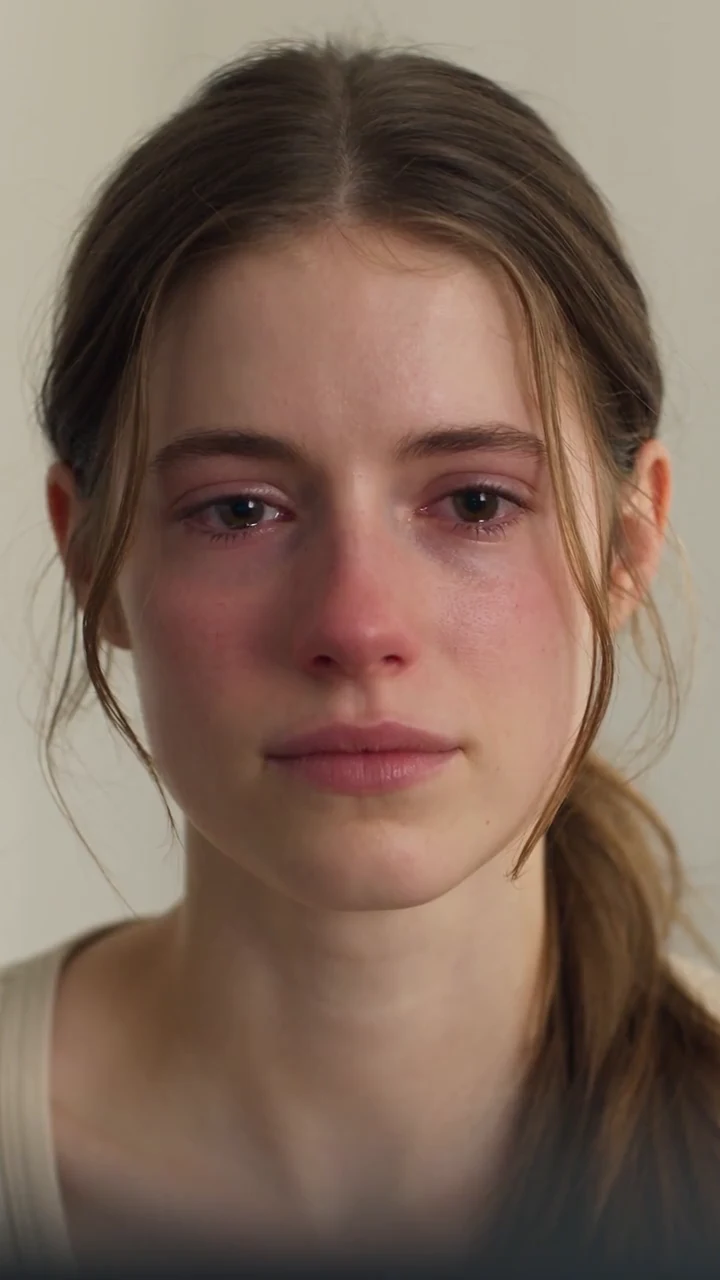
Choose your next creative step
Change the starting material, the subject, or the movement. Here is where each tool helps.
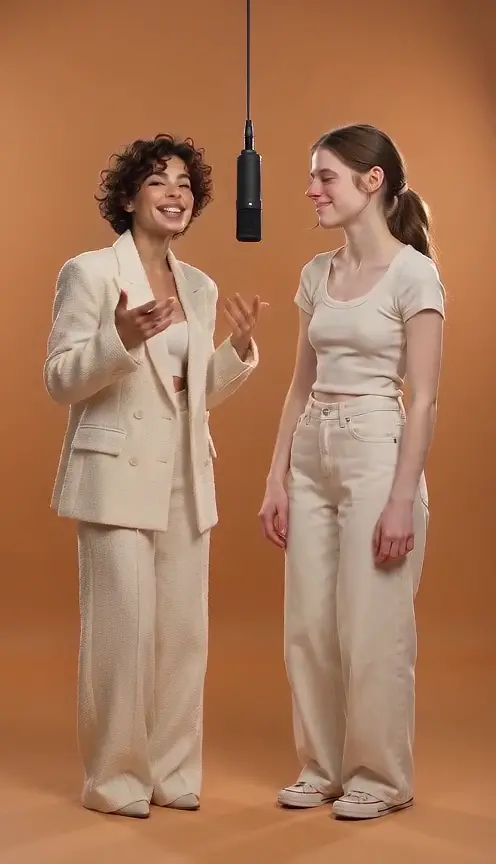 Two characters
Hotel Lobby AI Video Generator
Upload two photos and generate an orange-stage duet.
Two character photos Photo first
Image to Video
Keep an existing image as your visual starting point.
One reference image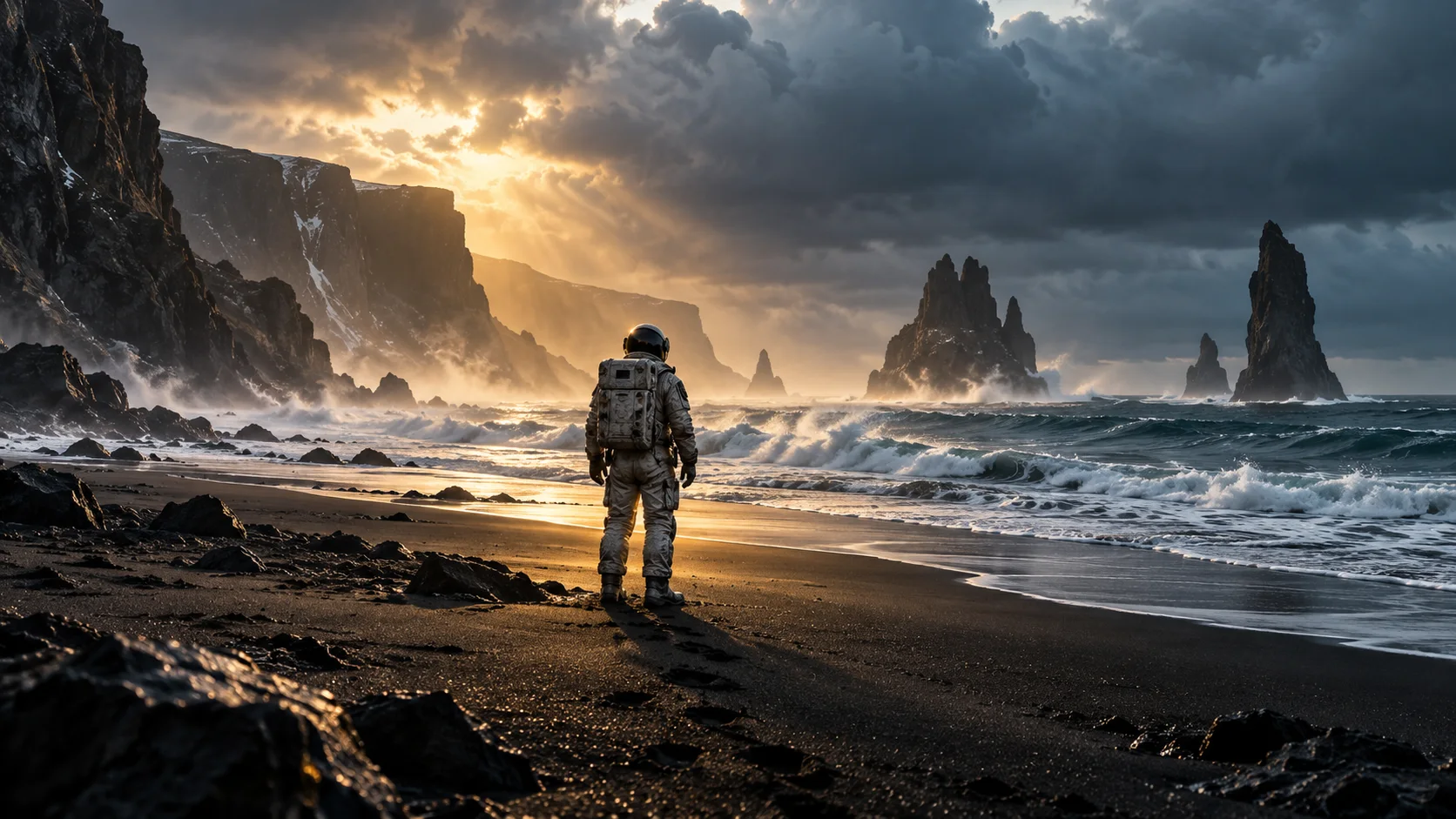
Text to Video
Try a different setting without preparing a reference image.
A written scenePrepare. Direct. Review.
Use these three steps to give your scene a clear direction.
Back to the creator- 01
Add the survivor and partner
Upload two separate, clear adult portraits you have permission to use. Photo 1 is the survivor; photo 2 is the infected partner and their healthy self in the memory.
- 02
Shape your memory
Keep the ready-made story or edit the prompt. Start with 15 seconds to give the encounter, embrace and memory room to unfold; review the supported settings and credit quote.
- 03
Generate, review and download
Check both identities, the embrace and the change into the healthy memory. Return to your history to follow progress, then play and download the finished video.
Give your idea a head start.
- Use one adult per photo, facing the camera in even light. Avoid sunglasses, covered faces and group photos.
- Keep photo 1 as the survivor and photo 2 as the partner when editing the prompt. Describe the healthy memory separately from the infected opening.
- Choose 15 seconds for the complete story. Shorter clips may simplify or miss the transition; faces, hands and contact can vary.
A few questions, answered.
Get to know zombie ai video generator before you start.
What is the zombie AI love story trend?
It is a short fictional story about an infected partner and the person who remembers them. This tool uses two portrait references and an editable original prompt to request an encounter, an embrace and a warm healthy memory, without graphic violence.
Which person goes in each photo?
Photo 1 supplies the survivor. Photo 2 supplies the partner in both the infected scene and the healthy memory. Use two separate adult portraits with one visible face each and permission from both people.
How long is the video and which resolutions are available?
The Seedance 2.0 Mini option supports 4–15 seconds at 480p or 720p. The default is 15 seconds for the complete story. Available settings and the current credit cost appear before you submit.
Will it copy the original zombie video or preserve faces exactly?
No. This generates a new scene rather than replacing actors in a fixed source clip. Faces, clothing, hands, contact and transition timing can vary. The public example uses the same story prompt with site-owned AI portraits; your result can differ.
Can I edit the prompt or choose a different memory?
Yes. Change the setting, atmosphere or memory in the prompt while keeping the two reference roles clear. A meadow, a familiar room or a shared trip can guide the ending, but exact actions and timing are not guaranteed.
Is generation free and what happens if it fails?
Generation uses credits. Review the exact quote before submitting. A task recorded as failed restores its deducted credits; a completed video is charged even if the creative result does not match your preference.
Does the zombie video include sound?
Sound depends on the selected model and audio setting. When audio is enabled, the prompt can request ambience, but specific music, dialogue or sound effects are not guaranteed. Review playback before sharing.
A little guidance for your next creation
Your turn to make it happen.
Start with the example. Then add your own perspective.