Motion Transfer
Not yet. This tool is a preparation preview; no motion-reference model is currently connected. Image to Video can animate a single still image, but it does not copy a reference performance.
Start with: A motion clip + a character image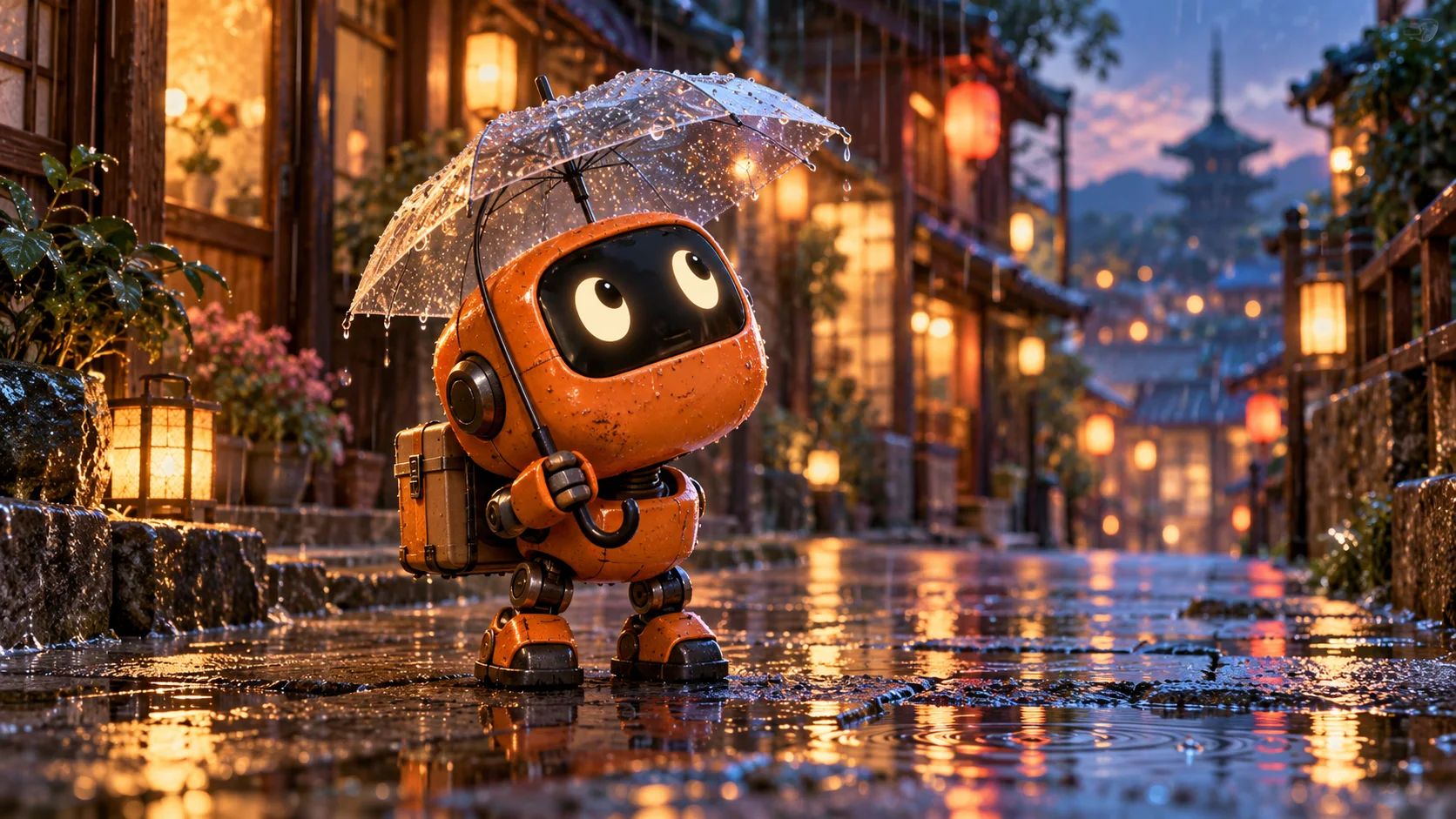
Choose your next creative step
Change the starting material, the subject, or the movement. Here is where each tool helps.
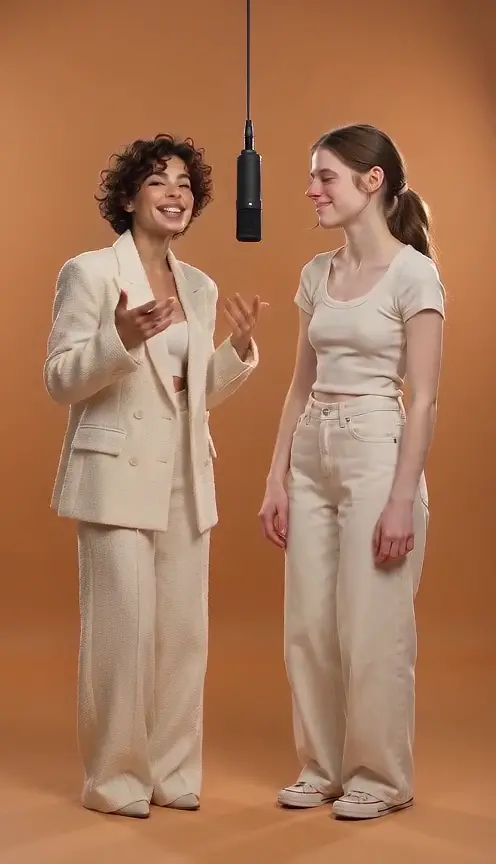 Two characters
Hotel Lobby AI Video Generator
Upload two photos and generate an orange-stage duet.
Two character photos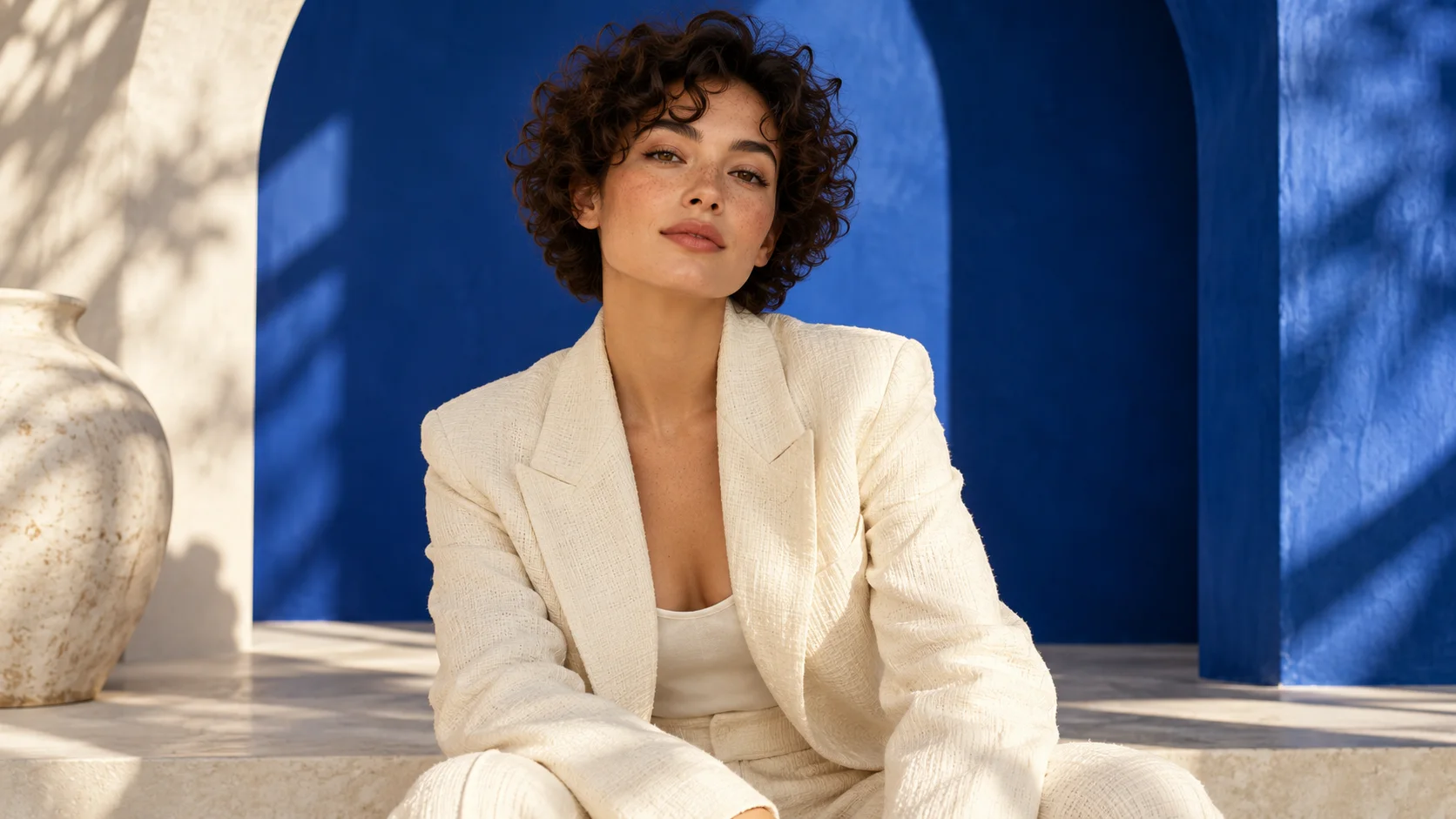
Cinematic Portrait
Preview and preparation guide; dedicated generation is not yet available.
One reference image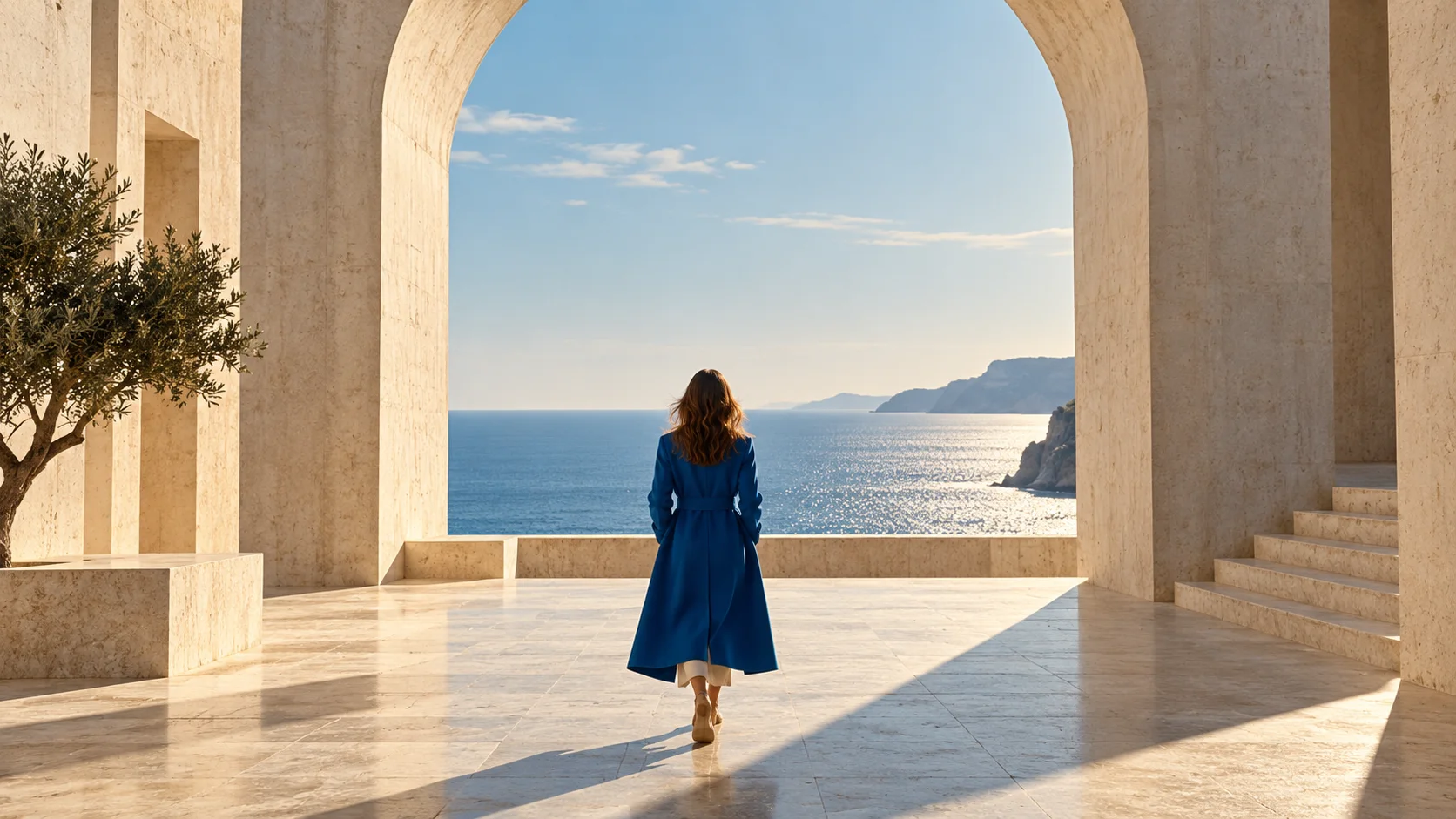 Photo first
Image to Video
Keep an existing image as your visual starting point.
One reference imagePrepare. Direct. Review.
Use these three steps to give your scene a clear direction.
Back to the creator- 01
Add your character
Choose a single, clearly visible character with an unobstructed pose.
- 02
Add a motion reference
Use a short original motion study with one performer and clear body movement.
- 03
Review the pairing
Check both references and use a model that supports motion input. Review the resulting movement and framing.
Give your idea a head start.
- Match the character framing to the reference performer.
- Prefer a stable camera and a visible full body.
- Avoid frequent cuts and objects crossing the performer.
A few questions, answered.
Get to know motion transfer before you start.
Can I generate a motion-transfer video here now?
Not yet. This tool is a preparation preview; no motion-reference model is currently connected. Image to Video can animate a single still image, but it does not copy a reference performance.
What should I prepare before this tool is enabled?
Use images or video that you own or have permission to use, with one clearly visible subject and stable framing. Read this page's preparation steps; upload compatibility will depend on the model connected in future.
Does AI preserve every detail from the reference?
No. Faces, limbs, labels and small details can change. Review any generated output before publication; do not treat synthesized product geometry or text as a reliable record of the original.
What can I try with the currently available tools?
Text to Video creates a scene from a written prompt. Image to Video starts from one uploaded image. Neither currently accepts a motion-reference video or two separate character portraits for this workflow.
A little guidance for your next creation
Your turn to make it happen.
Start with the example. Then add your own perspective.