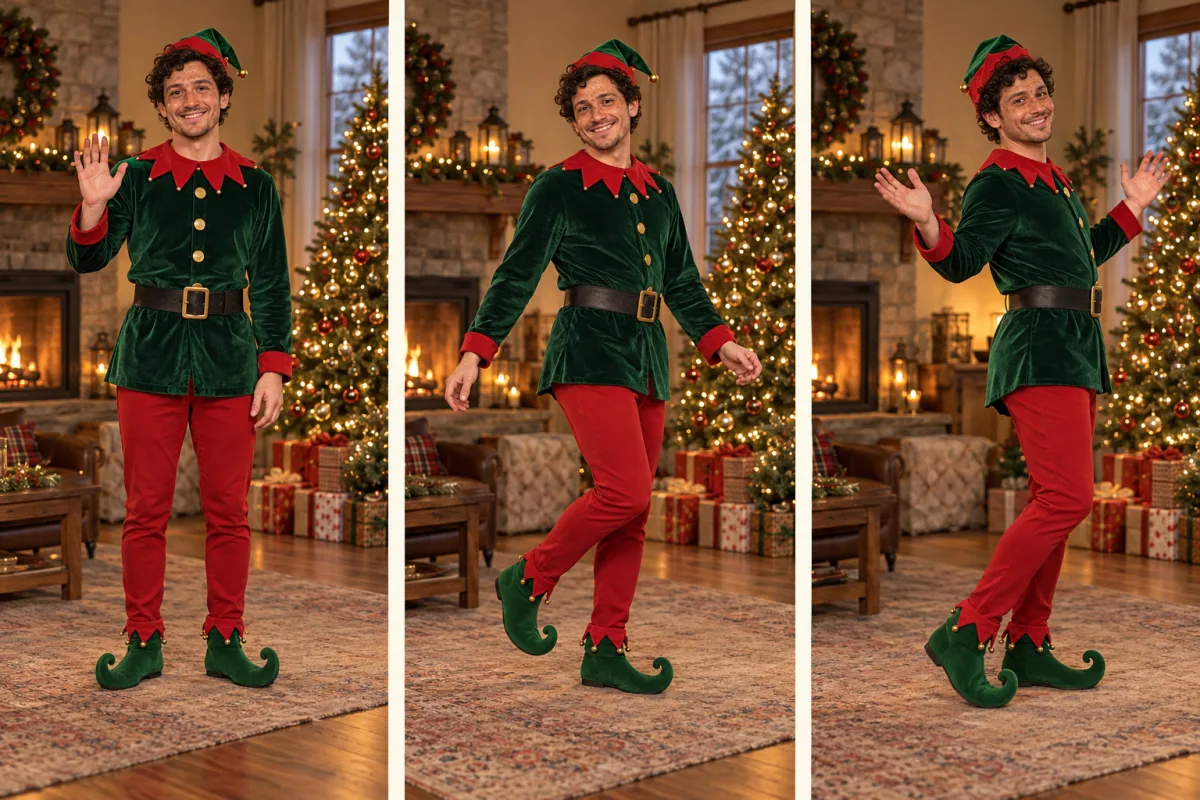
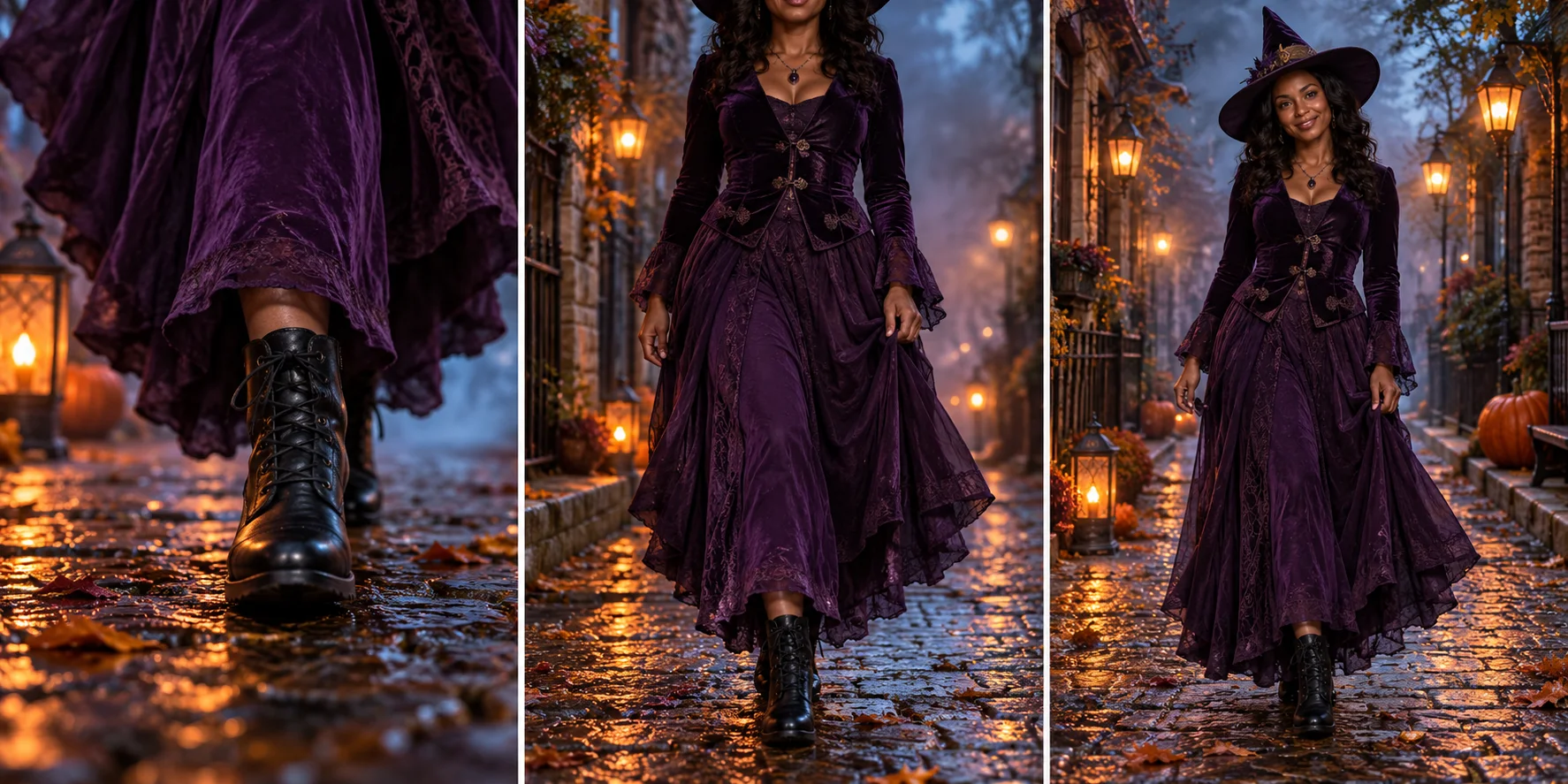
Put one adult photo into the My Ride Is Here witch broom trend: a rider pulls alongside a car window, glances at the camera and accelerates away in a 10-second vertical clip.
Start with: One reference image
Photos, reference videos and generated clips are available in the app for 30 days. Download before expiry. Media storage & cleanup
The My Ride Is Here trend treats a magic broom like an ordinary way to get around. A rider appears beside a normal car, pulls alongside, glances at the camera as if caught mid-commute, then accelerates away. The contrast is the joke: no cloud castles, no epic battle, just traffic and a wooden broom.
Four beats in about 10 seconds
0–2 seconds: the car-window POV opens with the side mirror or window frame in shot.
2–5 seconds: the rider pulls up beside the car on a rigid wooden twig broom and settles sidesaddle.
5–7 seconds: one casual glance or smile at the camera, then eyes forward.
7–10 seconds: the rider accelerates smoothly away along the road and shrinks into the distance.
One photo supplies the rider, not the scene
Choose one adult with a clear face and a readable outfit. The fixed template supplies the car interior, road, broom and camera move; your photo supplies identity, hair and clothes. Everyday wear is intentional, so a suit, coat or party outfit can be the punchline. A clear face matters more than a full-body crop because the vehicle and broom are generated.
What to check before sharing
Confirm there is one rider, one broom and one continuous shot. The rider should stay seated, the broom should stay rigid, and the face should remain recognizable through the glance and fly-away. AI can bend the broom, detach the rider, add limbs or change the outfit. Review your own clip before posting.
Sound and the trend recording
The selected Seedance 2.0 Mini model can generate audio, but the template does not license the trending song. Add that sound yourself in TikTok, Reels or Shorts after export. We do not supply commercial tracks or guarantee beat matching.
What has been reviewed
The shot list, prompt and negative directions were derived from the public trend format and its car-window framing. The page shows an owned AI-generated example made with Seedance 2.0 Mini from our own reference still; it is not a customer result. One sample is not a success-rate study or a promise of the same likeness, timing or broom geometry.
Choose your next creative step
Change the starting material, the subject, or the movement. Here is where each tool helps.
Use one well-lit adult photo you own or have permission to use, with the face visible and the outfit readable. Waist-up or full-body works; avoid sunglasses, heavy filters, children and group photos. The photo supplies the rider identity and everyday clothes.
02
Review the fixed shot and quote
10 seconds · 9:16 · Seedance 2.0 Mini · MP4. The car-window POV, broom, camera move and timing are fixed, so there is no prompt to rewrite. Add an optional supplemental idea for background or mood, then check the displayed credit quote.
03
Check the rider before sharing
Watch the full clip. The same face, hair and outfit should stay on one rider who sits sidesaddle on a rigid broom, glances at the camera and flies away. Check the broom, hands and legs; AI can bend the broom, detach the rider or add limbs. Add the trend sound yourself when you post.
My Ride Is Here Broom AI tips
The template keeps everyday clothes. It does not add a witch costume unless the photo already shows one, so a wedding guest or commuter can be the joke.
The car-window POV, road, broom and 9:16 frame are fixed. Supplemental ideas are optional and cannot replace the template timing or output specifications.
The clip above is an AI-generated example from our own reference still, not a customer result. Review your own output before sharing: likeness, broom geometry, hands and motion can vary.
The generated clip does not include the trending recording. Add that sound in TikTok, Reels or Shorts after export; we do not license commercial tracks.
My Ride Is Here Broom AI FAQ
Get to know my ride is here broom ai before you start.
What is the My Ride Is Here / witch broom AI trend?
A short fantasy-commute joke: someone rides a broom beside normal traffic, glances at the camera, then flies off as if the broom were their ride. It is a broom gag, not a flight to the clouds.
Do I need CapCut or a real broom?
No. One clear photo is enough; the fixed template supplies the car-window camera, road and broom motion. You do not need an editing timeline or a prop.
What photo works best?
Use one adult with a visible face in good light, waist-up or full-body. Avoid sunglasses, heavy filters, children and celebrities as identity sources. Only upload a photo you own or have permission to use.
How long and what format is the video?
About 10 seconds in vertical 9:16, exported as MP4. Resolution and the exact credit cost follow the on-page quote before you submit.
Is the trending soundtrack included?
The selected model can generate ambient or original audio, but the template does not license the trend recording. Add the trend sound yourself in TikTok, Reels or Shorts after downloading.
Is this the same as Flying Roadster or flying car memes?
No. This page is a broom ride only. Use the Flying Car tool for a car jump or barrel-roll scene; this template keeps a rigid wooden twig broom beside a normal car.
Is generation free?
Preparing and reviewing the photo is free. Rendering needs an account and credits; the quote is shown before submission. A completed result remains charged even if details need improvement, while a task confirmed as failed follows the existing credit-return workflow.
Is this only for Halloween?
Interest peaks around Halloween, but the commute joke works year-round with everyday clothes. The page does not require a witch costume or seasonal props.