
Rumpelstiltskin AI Meme Video Generator
Photos, reference videos and generated clips are available in the app for 30 days. Download before expiry. Media storage & cleanup
Reference footage · 15s · Includes both roles
Choose the dancer, spectator or both for a new Rumpelstiltskin barn dance video. Upload portraits, edit the prompt and select music in the shared composer. AI movement and likeness can vary.
Start with: One reference imageChoose your next creative step
Change the starting material, the subject, or the movement. Here is where each tool helps.
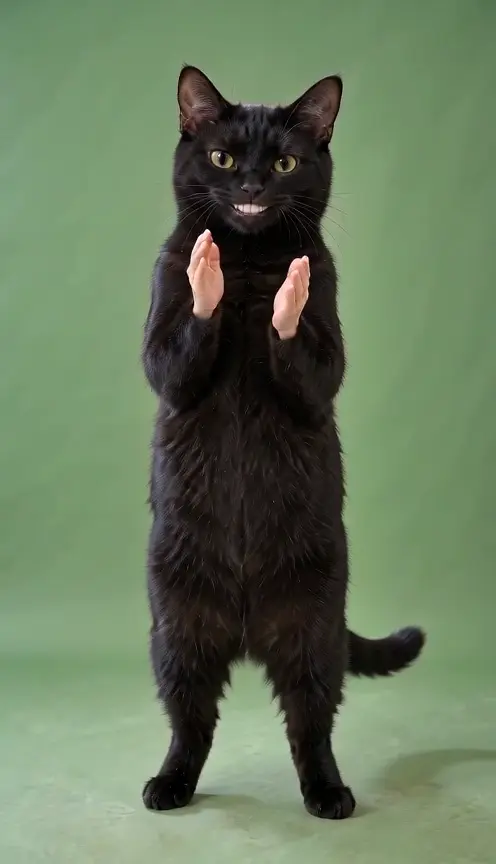 Pet reaction meme
Black Cat Clapping Meme Generator
Make your own clapping cat video from a pet photo: a toothy grin, tiny human-like hands and a slow sarcastic clap. Choose a green-screen reaction, a kitchen scene or a person-and-cat story in the shared creator.
One reference image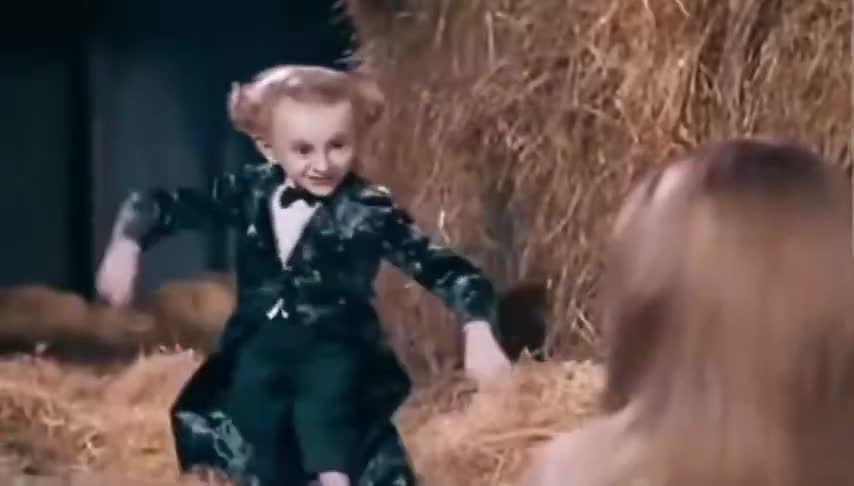 Photo + original music
Rumpelstiltskin Face Swap
Use a portrait to recast the tiny Rumpelstiltskin dancer. Start with dancer mode, inspect the scene references and edit the shot prompt before generating a new video.
One reference imagePhoto + original musicTwo-Photo Rumpelstiltskin Meme Generator
Bring two separate portraits: Photo 1 becomes the tiny dancer and Photo 2 becomes the seated spectator. Direct both characters in one new 15-second barn scene.
Two character photosHow to use Rumpelstiltskin AI Meme Video Generator
Use these three steps to give your scene a clear direction.
Back to the creator- 01
Choose your cast
Choose dancer, spectator or both. Photo 1 is the selected person; in both-character mode Photo 1 dances and Photo 2 reacts.
- 02
Make the meme your own
Customize expressions, clothing and movement in the shared composer. Replace or remove the supplied dancer, barn and footwork references.
- 03
Generate once and download
One click creates the AI video and adds the original background music. Download the finished video from the result or your history.
Rumpelstiltskin AI Meme Video Generator tips
- Use one unobstructed face in even light for more recognizable results.
- Inspect each @Image reference in the prompt. Photo 1 supplies the chosen role; both-character mode also uses Photo 2. Keep the remaining references assigned to the scene.
- The source preview shows the original trend. AI recreates the scene; dance steps, timing and likeness can vary.
- The original 15-second soundtrack is added automatically. This template does not use lip-sync processing.
Rumpelstiltskin AI Meme Video Generator FAQ
Get to know rumpelstiltskin ai meme video generator before you start.
What is the Rumpelstiltskin AI gnome dance meme?
This version features a tiny tuxedo dancer doing exaggerated tiptoe footwork in a barn, with spectator reaction shots. It is distinct from Shrek image macros and the original fairy tale.
Who does my photo replace?
Choose the dancer or spectator for Photo 1. For both characters, add the spectator as Photo 2 and explicitly load that role prompt. New AI footage can vary in motion and likeness.
Can I write my own prompt?
Yes. Reference images are visible and replaceable. Type @ to insert an image reference, and click @Image mentions to inspect the image. The default prompt follows the original dancer-face, footwork and closing spectator sequence.
Do I need a video or song upload?
No. Upload one portrait. The tool supplies the scene references, generates one complete 15-second video and automatically adds the original background music.
How much does it cost?
A complete 15-second video with music costs 57 credits at 480p or 123 credits at 720p. Check the quote before submitting. Confirmed failed tasks restore their credits.
A little guidance for your next creation
Your turn to make it happen.
Start with the example. Then add your own perspective.