Product Orbit
This dedicated generator is currently a preview. You can try Image to Video with a product image and a gentle camera move. This is synthesized imagery, not a 3D reconstruction or a verified 360-degree product view.
Start with: One reference image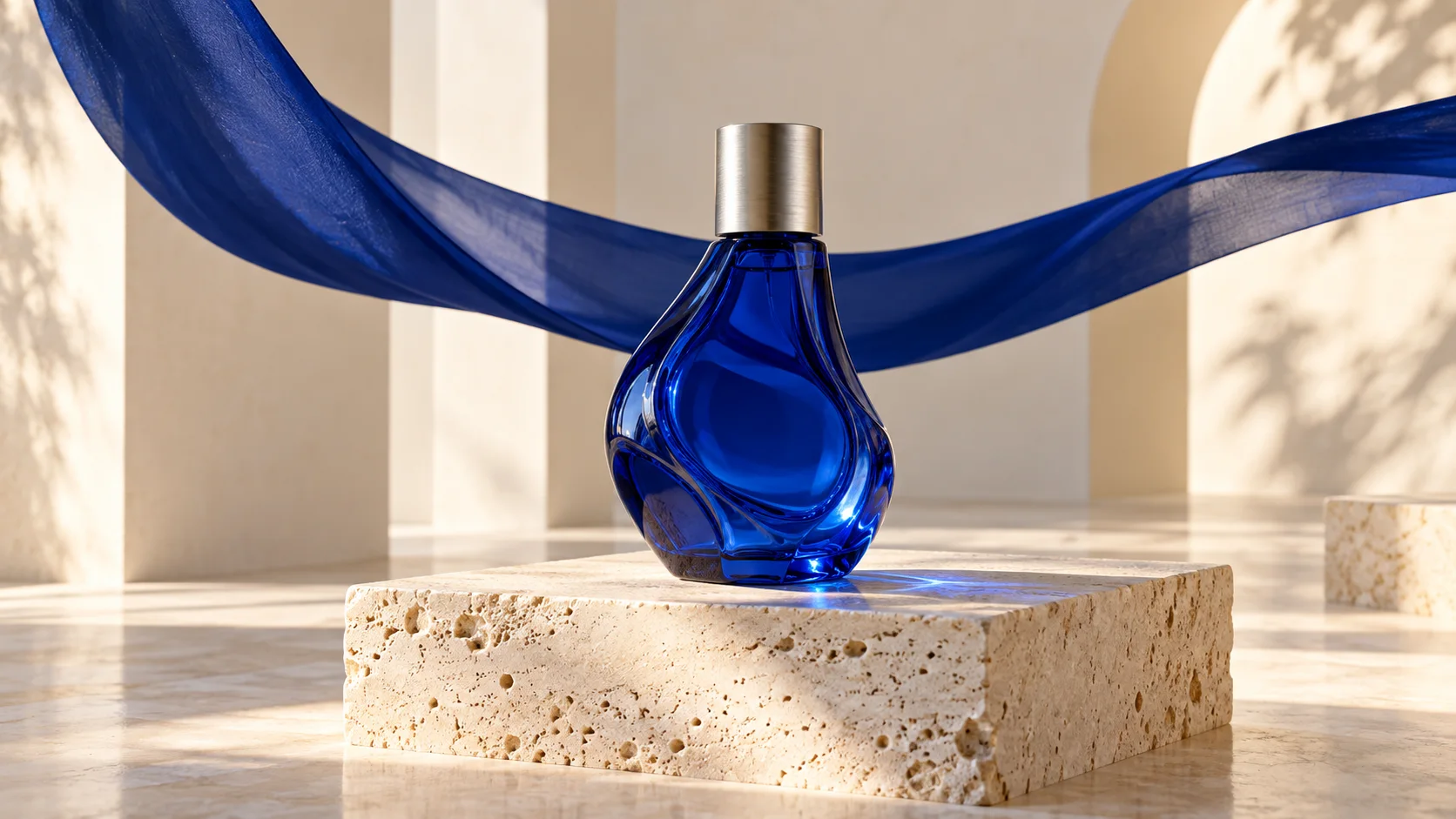
Choose your next creative step
Change the starting material, the subject, or the movement. Here is where each tool helps.
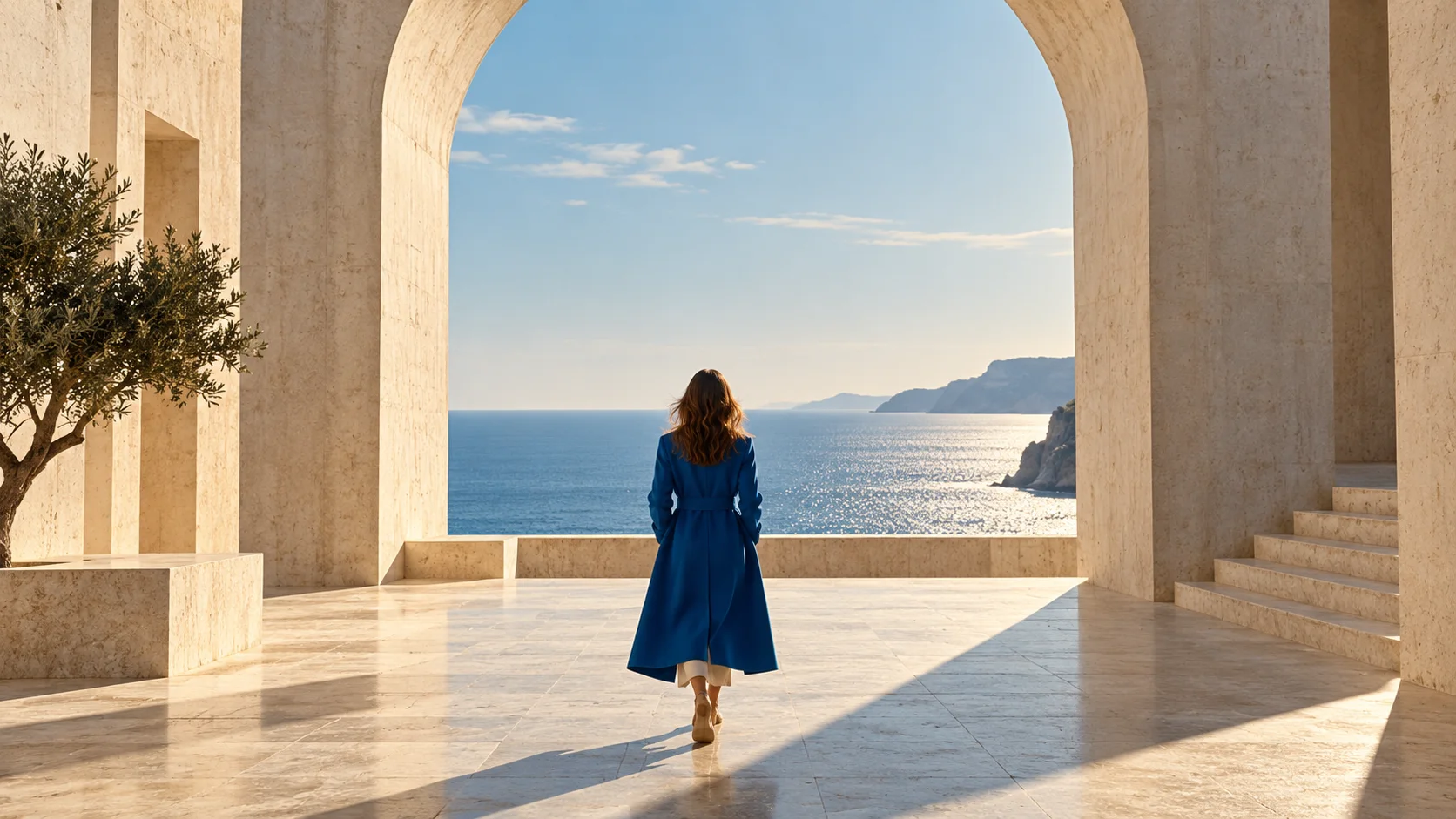
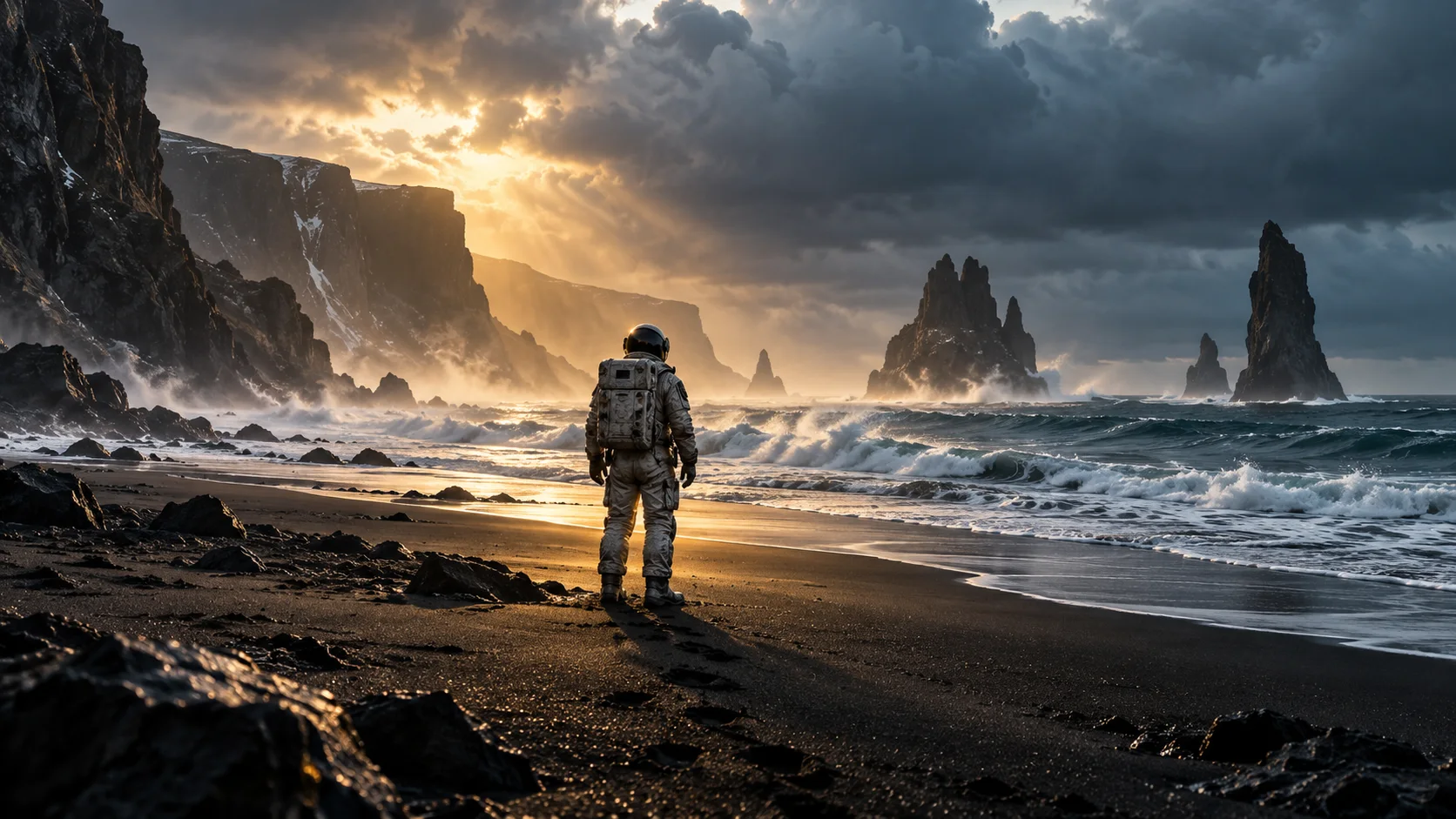
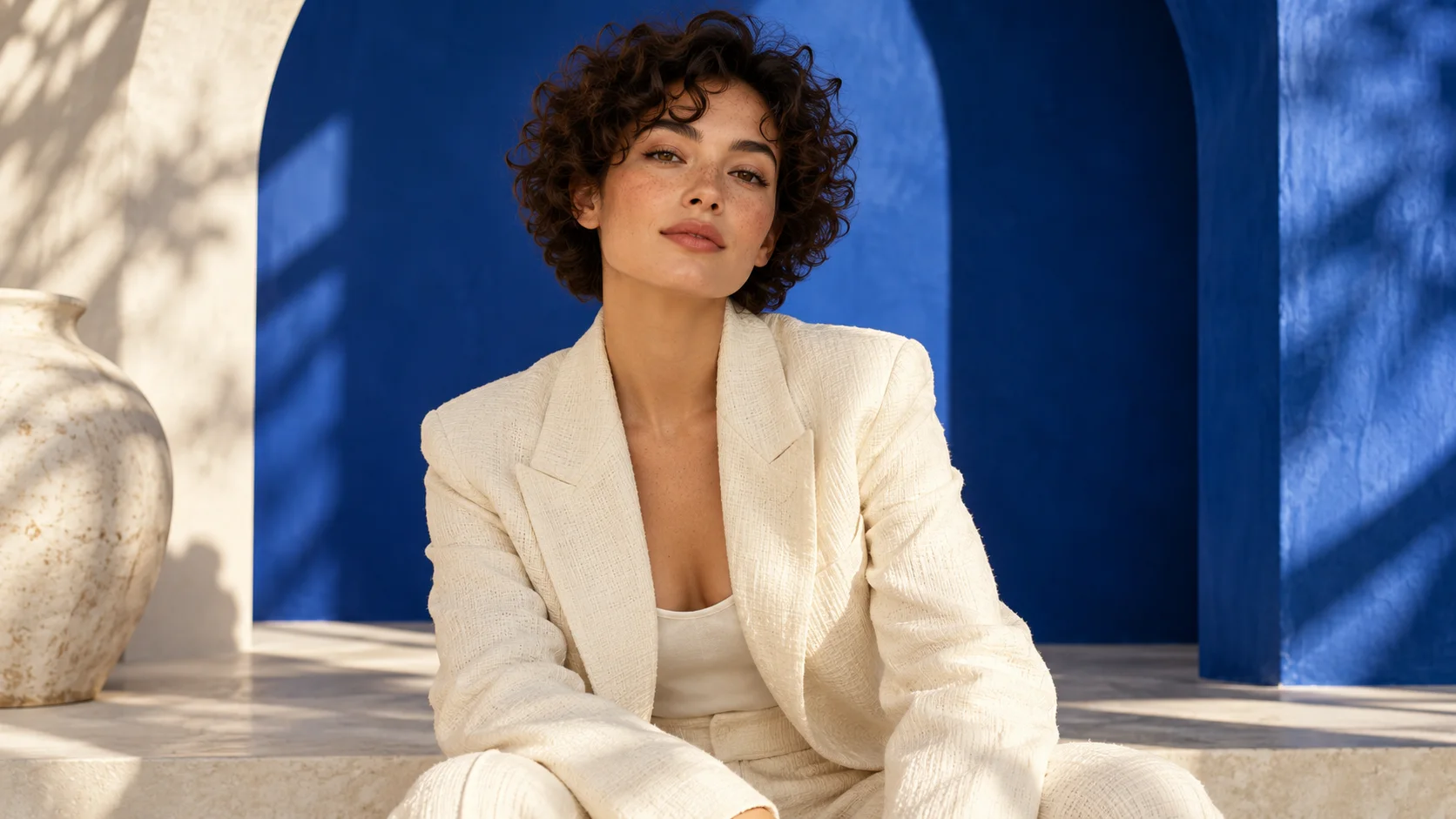
Prepare. Direct. Review.
Use these three steps to give your scene a clear direction.
Back to the creator- 01
Choose a product image
Start with one clearly visible object and an uncluttered background.
- 02
Set the camera direction
Describe a small orbit or an easy push-in, then choose the intended format.
- 03
Check the product details
Generate your clip and review the shape, labels, and reflections before using it.
Give your idea a head start.
- Keep the entire product visible inside the frame.
- Use simple backgrounds so edges are easy to distinguish.
- Treat unseen surfaces and small lettering as details to verify in real outputs.
A few questions, answered.
Get to know product orbit before you start.
Can I generate a product orbit on this page?
This dedicated generator is currently a preview. You can try Image to Video with a product image and a gentle camera move. This is synthesized imagery, not a 3D reconstruction or a verified 360-degree product view.
What should I prepare before this tool is enabled?
Use images or video that you own or have permission to use, with one clearly visible subject and stable framing. Read this page's preparation steps; upload compatibility will depend on the model connected in future.
Does AI preserve every detail from the reference?
No. Faces, limbs, labels and small details can change. Review any generated output before publication; do not treat synthesized product geometry or text as a reliable record of the original.
What can I try with the currently available tools?
Text to Video creates a scene from a written prompt. Image to Video starts from one uploaded image. Neither currently accepts a motion-reference video or two separate character portraits for this workflow.
A little guidance for your next creation
Your turn to make it happen.
Start with the example. Then add your own perspective.