
Bulin 47 AI Video Generator
Put your photo into a red-lit street freestyle scene. Review the movement guide and editable prompt, then make a 6-second vertical silent clip.
Start with: One reference imagePhotos, reference videos and generated clips are available in the app for 30 days. Download before expiry. Media storage & cleanup
A fictional adult in an olive jacket, black T-shirt and beige trousers, generated into a red-lit freestyle scene with the six pose references shown below. This 6-second Mini 480p clip is silent. The performer and outfit stay recognizable, while individual gestures can vary. Add a sound in your publishing app afterward.
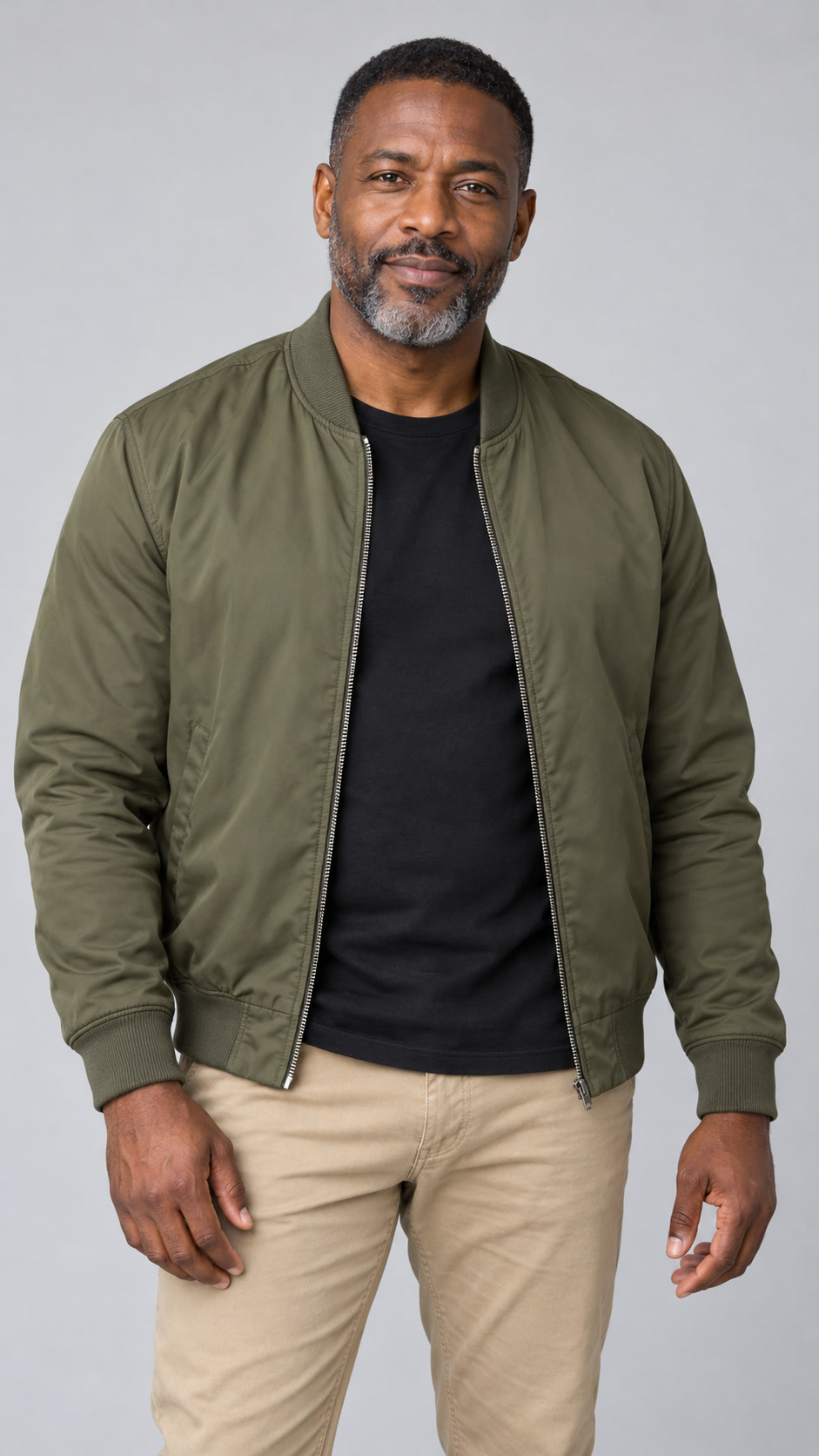 Example input · fictional adult
Start with the clothes, not just the face
The contrast can be the whole point: a friend in their usual cardigan, suddenly in the middle of a red-lit freestyle. Choose a photo that shows the outfit as well as a clear face and hair. The performance is framed close, so foreground listeners may hide the lower body; a full outfit reference helps, but does not guarantee every garment will be visible or preserved.
One picture identifies the person. The others set the scene and movement.
Photo 1 is your performer. The gray figures in the next six pictures are neutral stand-ins for the turns and chest-level gestures, with the restaurant entrance and listeners around them. They are not more people to cast. Keep the poses if you want that arrangement, replace them with your own references, or remove them and edit the matching prompt mentions. The model still creates the motion between the pictured poses; these are guides, not six forced keyframes.
Watch the turns before you add the sound
Watch the person turn toward each listener, then look at the hair, clothing and hands through the foreground occlusion. Check that the speaker and phone stay separate from the performer. This version is a six-second silent clip; adding a sound in your publishing app does not make the mouth match the original words. Reference-guided gestures can differ, especially late in the clip. Inspect the result before spending credits on another attempt.
Choose your next creative step
Change the starting material, the subject, or the movement. Here is where each tool helps.
 Photo first
Image to Video
Keep an existing image as your visual starting point.
One reference image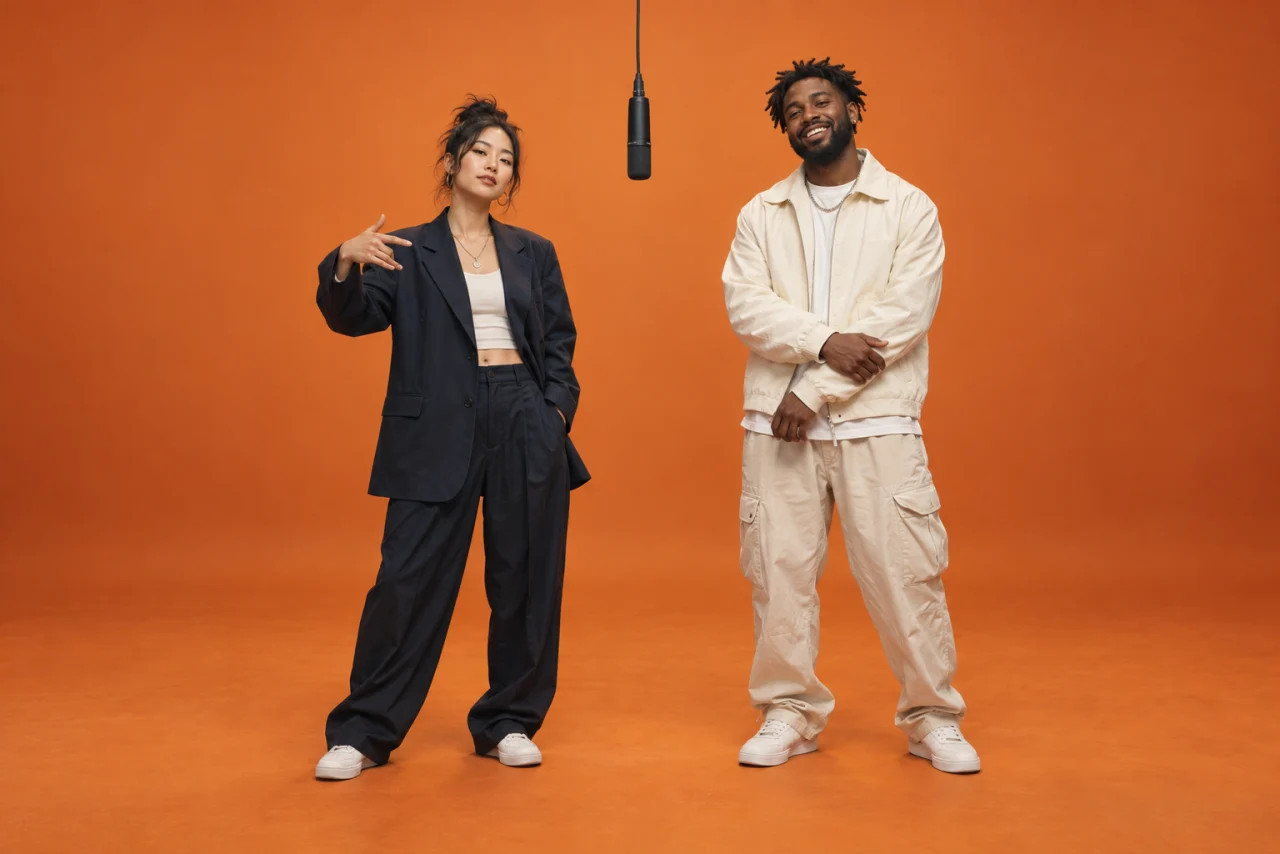 Orange-stage duet
AI Rap Duo Video Generator
Put you and a friend on the orange studio stage behind the Hotel Lobby / Migos AI rap duo trend. Upload two portraits and generate a new performance with original audio; exact lyrics and lip sync can vary.
Two character photos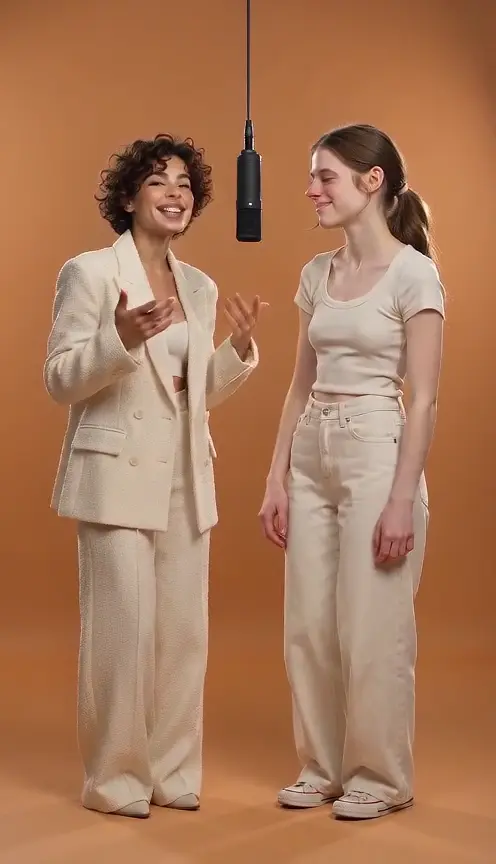 Two characters
Hotel Lobby AI Video Generator
Upload two photos and generate an orange-stage duet.
Two character photosHow to use Bulin 47 AI Video Generator
Use these three steps to give your scene a clear direction.
Back to the creator- 01
Start with the person and clothes you want
Add a clear adult photo you have permission to use as Photo 1. Show the hair, face and upper-body outfit you want to keep. The background is replaced; parts of the outfit the photo does not show will be filled in by the model.
- 02
Review the red-lit scene and movement
The next six images show neutral poses for the restaurant entrance, close camera and compact hand gestures. Keep, replace or remove them, then check the matching @Image references in your prompt. This tool uses Mini 480p, 6 seconds and 9:16; the live quote appears before submission.
- 03
Watch the whole clip before adding sound
Check your face and outfit through the turns, the hands near the chest and the people in the foreground. Download the silent MP4, then add a suitable sound in your editing or publishing app. Adding music does not create verified word-for-word lip sync.
Bulin 47 AI Video Generator tips
- A colleague in their everyday cardigan can be funnier than another performer in a stage costume. Use the actual outfit you want in Photo 1 rather than asking the scene guide to supply one.
- Keep the movement small. The reference is a close freestyle performance with listeners and foreground occlusion, not a full-body dance, microphone performance or concert stage.
- If you remove a pose image, edit its remaining @Image mentions before generating. Restoring the default poses is an explicit action and leaves your photo and writing alone.
- Generation uses credits. A failed task returns its deducted credits; a completed video still uses credits if a hand, expression or likeness needs another attempt. Inspect the existing result first.
Bulin 47 AI Video Generator FAQ
Get to know bulin 47 ai video generator before you start.
What does Bulin 47 AI make here?
This tool is independent and is not affiliated with Bulin 47 or the original creators. It is a photo-and-reference reconstruction of the red-lit street freestyle format. Your photo supplies the central adult and their everyday outfit; the movement guide supplies the restaurant entrance, nearby listeners and compact gestures. It creates a new scene rather than editing the original footage frame by frame.
Does it replace my whole look or only my face?
Photo 1 supplies the face, hair and visible clothes for the central performer. The gray figure in the pose references is not an identity source. The close framing and foreground people can hide the lower outfit, and the model may still change details or infer parts that are not visible in your photo.
How many photos do I need?
Upload one adult photo. Six neutral pose images are loaded separately and remain visible beside it. You can replace or remove them; this tool accepts at most seven selected images in total. Keep Photo 1 selected as the performer.
Does the video include the original Bulin 47 audio?
No. This workflow makes a silent 6-second vertical MP4. Add a sound available to you in TikTok, Reels or your video editor afterward. The mouth can move in a freestyle performance, but this tool does not provide verified synchronization to the original words.
Can I edit the prompt or change the scene guide?
Yes. Your prompt is sent with the selected images rather than silently replaced by the default. Keep the reference roles clear: @Image1 is your person and clothes, while the later @Image references supply the selected movement poses. Missing image mentions must be fixed before submission.
Can I choose a longer clip or another model?
This tool is limited to the 6-second, 9:16, Mini 480p silent configuration. For another model or length, open the general image-to-video tool and write a brief for that configuration. This preset does not validate those other results.
Is it free to make a Bulin 47 AI video?
You can prepare the photo, inspect the guides and edit the prompt before generating. Rendering needs an account and sufficient credits; the current quote is shown before you submit.
A little guidance for your next creation
Your turn to make it happen.
Start with the example. Then add your own perspective.