
Wan 3.0 Prime: choose a video workflow before choosing a setting
A practical guide to deciding between text and image inputs, budgeting revisions, and reading a video-generation quote without confusing provider rates with retail credits.
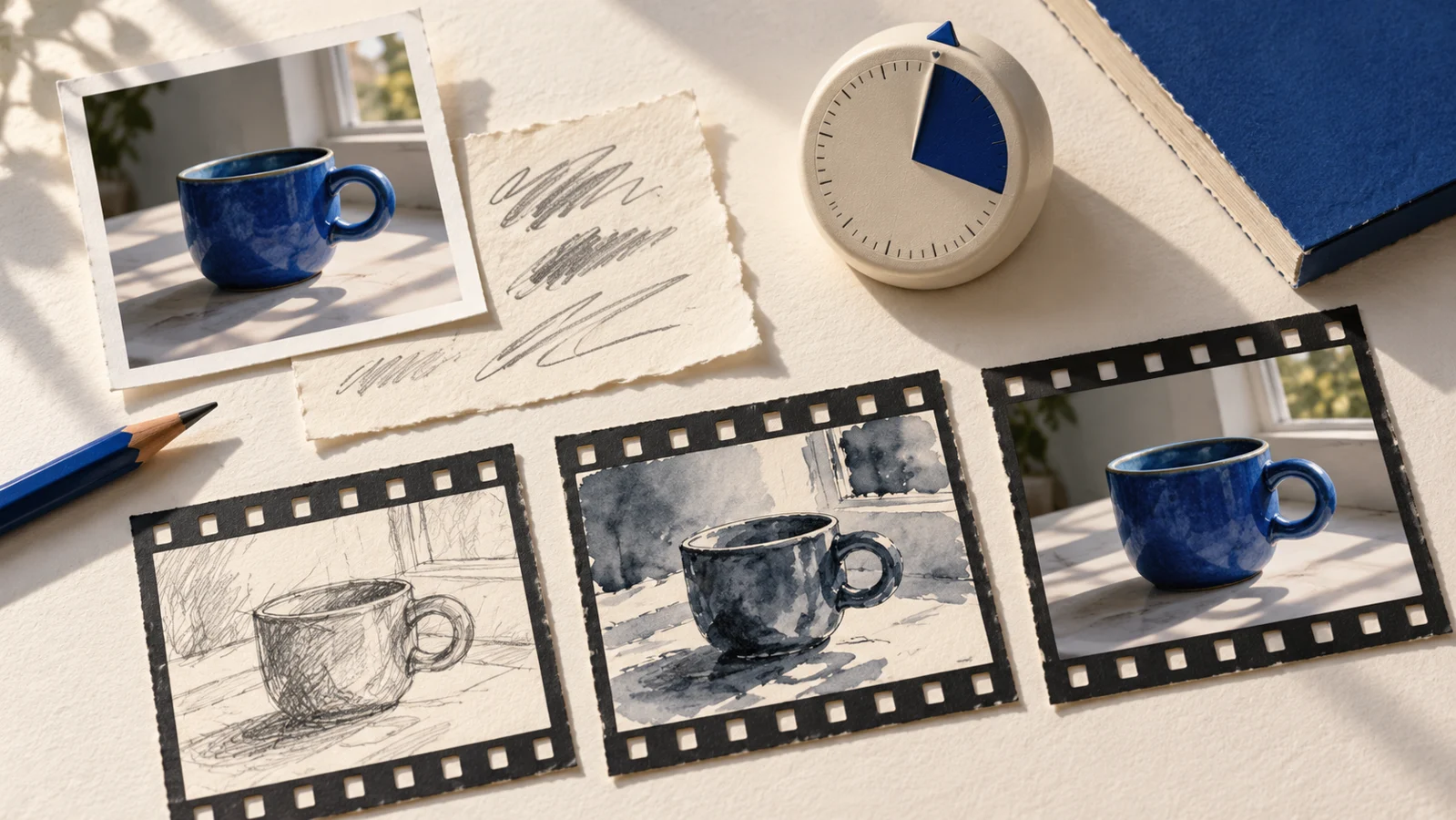
Searching for Wan 3.0 Prime can mean two things: you want to try that specific model, or you are trying to finish a shot and wondering whether it is the right way to do it. Separate those questions before buying credits. A model name tells you which system you are considering. It does not tell you whether your photograph, brief or revision budget is ready.
Alibaba Cloud’s official Wan 3.0 Prime documentation identifies wan3.0-video-prime and lists text-to-video and image-to-video inputs. We checked that documentation on October 22, 2026; this is a planning guide, not a hands-on model review. Wan 3.0 Prime is not an available model option in Kadenly’s current composer. The Kadenly links below lead to our existing tools, not a Wan endpoint.
Start with what must stay unchanged
A ceramic seller wants a short clip of a blue cup near a window. The shape of the handle matters because customers will receive that exact cup. A writer wants an imaginary roadside café seen through rain. No particular café needs to survive from an existing photograph. Both are video prompts, but their starting materials should be different.
For the cup, begin by choosing a clear, approved photograph. Write down what has to remain recognizable: glaze, handle, rim and proportions. Then describe a modest movement around those fixed details. For the invented café, start by describing the composition, light and single visible action. You do not need to manufacture an image reference simply because a tool offers an upload box.
For the cup, using the product photograph as the opening frame gives you a concrete starting composition. If you also need a particular ending, consider a first-and-last-frame mode where the selected model supports it. Wan’s official model-release page distinguishes that mode from multimodal reference input. Choose one supported mode in the interface you actually use; do not combine endpoint frames and a reference-mode setup as though they were interchangeable.
| What you already have | A useful starting point | The question to resolve first |
|---|---|---|
| A product or person that must be recognizable | An image-based workflow | Which details must survive movement? |
| An imagined place with no fixed identity | A text-based workflow | Can the action be understood in one shot? |
| A long sequence with several events | A shot list before either input mode | Where can the sequence be split and revised? |
This is a way to organize the brief, not a claim that any model will preserve every detail. A reference narrows what you ask for; it does not replace inspecting the result.
Budget for a usable result
It is tempting to calculate the price of one generation and treat that as the cost of the shot. The more useful number is what you are willing to spend before making a decision. Set a small trial allowance, define the failure you are checking for and stop when the allowance is reached. If the cup handle changes every time, simply requesting a longer version will make the same uncertainty more expensive.
Use a rough cut to work out how much screen time the shot deserves. A four-second gap does not automatically need a much longer generation. Leave enough material to trim, but avoid buying duration without an editing reason. For an early draft, inspect composition and motion first. For a final delivery, check fine edges, texture and the exported file at its intended viewing size.
Speed is part of that budget too. A useful comparison measures time to an acceptable downloaded clip under comparable conditions, including queueing and revisions. This article supplies no such benchmark. A model’s name or positioning cannot tell you how long your own job will take, and a cheaper request may still cost more overall if it needs many revisions.
Read the quote at the place you submit
Provider API rates and a website’s retail credits are different units. Before generating, inspect the selected model, input mode, duration, resolution, audio option and final quoted cost at the actual service. Do not copy a provider’s advertised rate into a calculation for another site. Save the settings with your source image and prompt so the result can be interpreted later.
If you specifically need Wan 3.0 Prime, use the official documentation to locate its access path and current terms. If you need a single image-based shot using Kadenly’s available models, open Image to Video and check the current settings there. For a scene imagined from scratch, Text to Video serves that input choice. For either route, decide what counts as a usable shot before pressing Generate; that decision makes the next result much easier to judge.