
Anijam AI video maker or one generated shot? A practical choice
Decide whether your next video needs a story workflow or one missing shot, with a small-creator example and a production checklist.
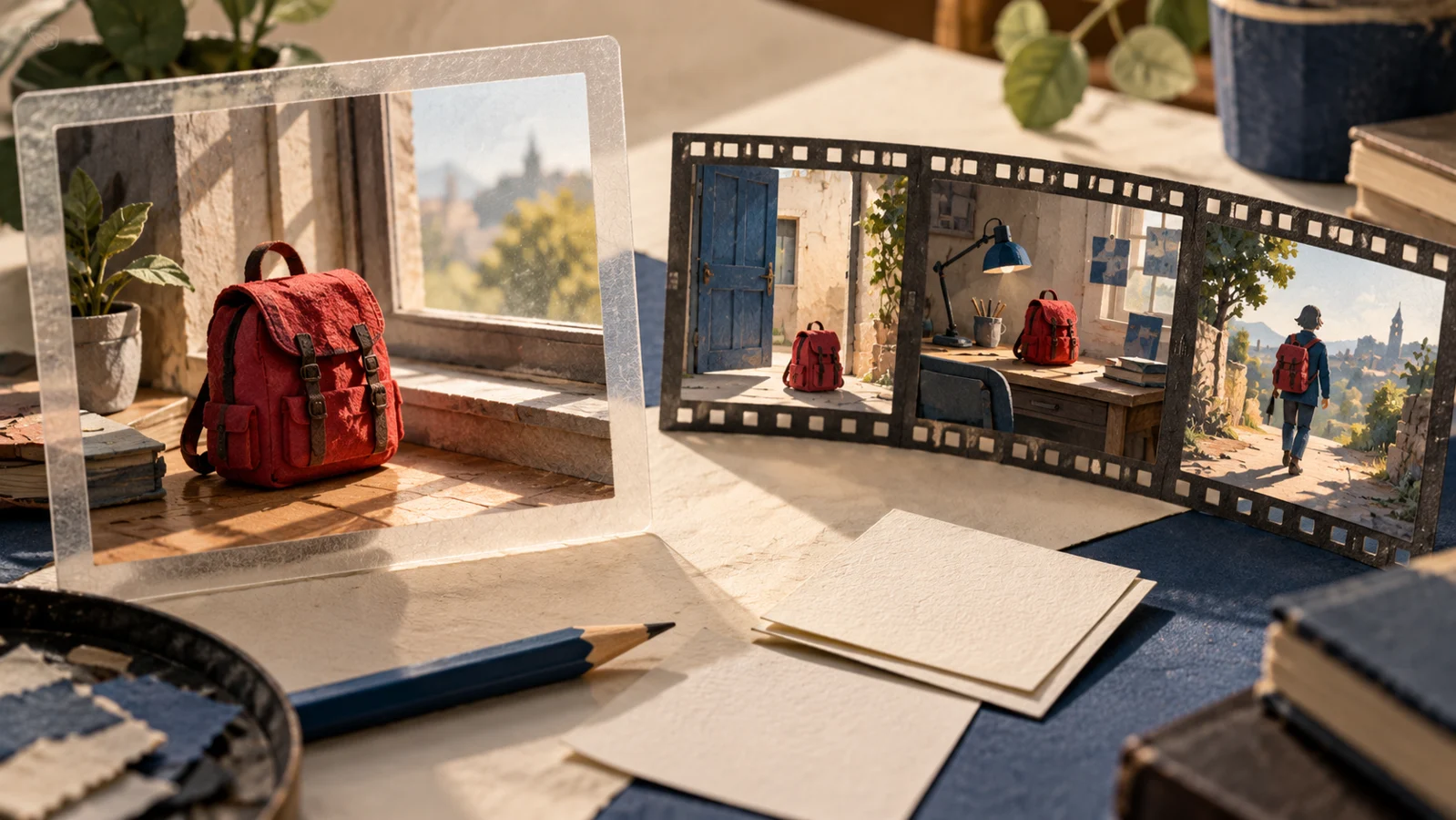
A café owner has a photograph of a new tote bag and needs six seconds of movement for Friday’s post. A teacher has a paragraph about a lost dog and wants a short animated story. Both might search for an AI video maker, but the files they need at the end are quite different. That difference is a better starting point than a list of model names.
If you searched for Anijam AI video maker, you may be looking for that particular service. Its official homepage and editor page describe an AI animation workflow with storyboards and character consistency. This article uses those published descriptions, checked on October 22, 2026. Anijam is a separate service from Kadenly; we have not tested its exports or compared output quality.
Describe the file you actually need
Try finishing this sentence before choosing a tool: “When this is done, I need a file that shows…” For the café, the answer could be “the tote on a counter, with the handles moving slightly as the camera moves closer.” That is one shot. The teacher’s answer might be “a dog leaving home, getting lost, then finding its owner.” Those are separate events with a relationship between them. A single attractive clip would leave most of that assignment unfinished.
A useful first decision looks like this:
| Your next deliverable | Work to plan first | What to inspect before paying |
|---|---|---|
| One moving product photograph | One action and one camera position | Shape, print and edges stay recognizable |
| A recurring character in several scenes | A character sheet and scene list | Appearance holds up across separate shots |
| A narrated explanation | Script, timing and visual coverage | Words remain editable and scenes support them |
| One missing insert for an existing edit | The exact gap in your timeline | Framing, length and direction match adjacent clips |
These are production requirements, not promises about either service. A workflow demonstration and an export check should settle whether the tool you are considering meets them.
The tote bag is a useful small test
Suppose the café already has an approved edit with one gap: an opening photograph, an empty slot for the moving close-up and a final card with the collection time. Starting a whole new story project would mean rebuilding work that is already approved. In that case, Kadenly’s Image to Video tool is a relevant place to make the missing shot from the product photograph and an editable prompt.
Keep that prompt concrete: “The tote stays on the wooden counter. Its handles settle gently. The camera moves a little closer; the printed design remains visible.” Save the original photo beside the result. Check the handle attachments and printed letters before judging how cinematic it looks. If the product changes, the clip needs another approach even when the movement is pleasing.
The final card belongs in your video editor, where the café can correct the collection time without regenerating the product shot. That small division of work makes revisions easier. It also gives you a clear stop condition: once the insert fits and represents the bag accurately, it has done its job.
A story needs a different first test
For the lost-dog story, write three plain sentences describing what changes in each scene. Then decide which details must survive every cut: the dog’s markings, collar, size and the owner’s clothing. Prepare one reference sheet instead of changing the description while generating each shot. Ask whether the chosen workflow lets you revise the middle scene without rebuilding the entire sequence.
Before paying for a large project, look for a demonstration that follows one character across several scenes. Then check the practical terms yourself: export format, watermark, available resolution and what your plan includes. A polished example on a homepage cannot answer all of those questions for your project. Character consistency also needs to be judged across the sequence, rather than from one flattering frame.
Kadenly’s generator makes clips from supported inputs and settings; it is not an editable multi-track story timeline. Check Anijam’s own account and export terms if you choose that route. If your bottleneck is story organization, investigate that workflow directly. If your story is already cut and one visual is missing, generate that visual. Choosing the smaller unfinished task often saves more time than choosing the longest feature list.