跳到正文

AI 视频人物换角模板

用一张或两张人物照片生成新的换角视频。主 MV 自动完成画面生成与对口型,直接交付有声视频;8 秒场景提供配乐版和静音版。这是照片驱动的场景生成,不是任意原视频编辑器。

准备素材:模板与人物照片

上传照片、参考视频及生成成片在站内可用 30 天,请在到期前下载保存。 媒体保存与清理说明

@Image1
@Image2
@Image3
@Image4
@Image5
@Image6
@Image7
添加图片
参与生成 5
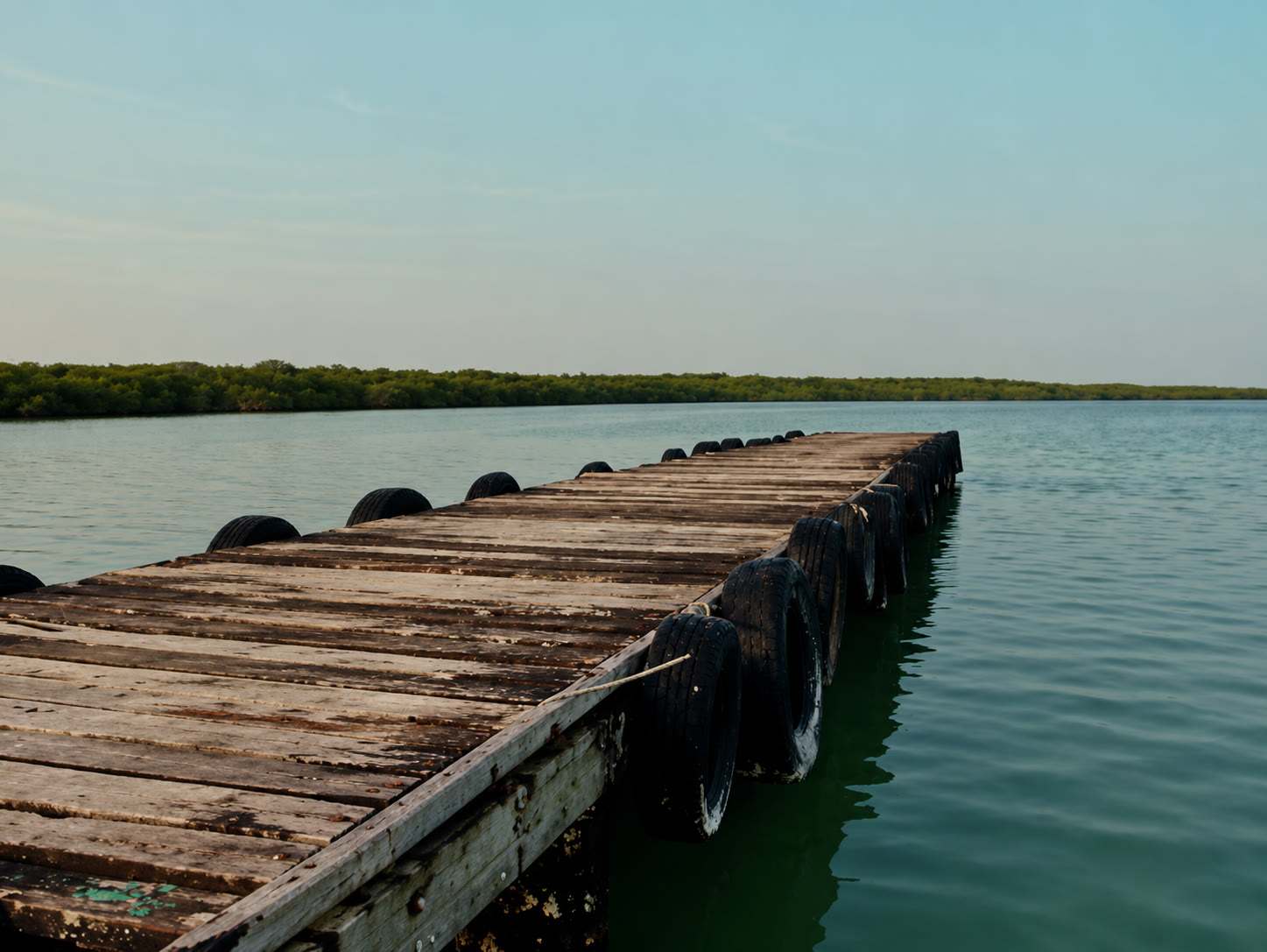
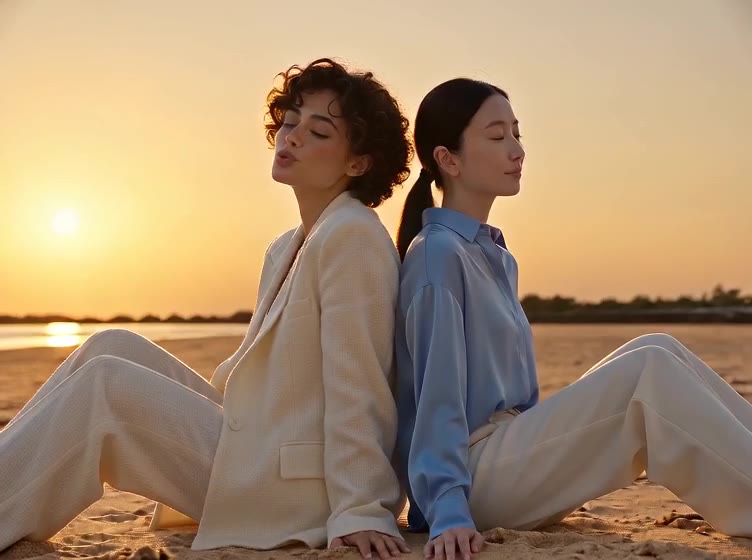
Photo references and provide the only two distinct performers. Preserve each person's recognizable face, skin tone, hairstyle, body appearance and own clothing throughout. is an empty environment reference ONLY: copy its stage geometry, perspective, lighting, palette and background; never treat it as a person. Performer is the singer; is the partner. Never blend identities, duplicate people, exchange outfits or introduce extra actors. Photorealistic music-video imagery; natural hands and proportions, readable faces, no text or watermark. Images , , , , are five empty scene plates, never people: respectively oblique tire-lined jetty, downward teal-water background, amber sandy beach, frontal jetty, and blurred lagoon close-up. Create ONE complete 15-second landscape music video in a single generation, with six hard-cut shots in this approximate order. 0–2.1s: wide oblique weathered jetty, partner seated at near-left edge, singer standing at distant end. 2.1–4.9s: elevated downward chest-up singer, hands behind back, teal water fills background with NO horizon. 4.9–7.5s: low seated view on amber sand, singer left and listening partner right, backs and shoulders touching, singer gently tilts head left; both remain seated. 7.5–9.3s: return to the same singer-only teal-water chest-up shot, lower gaze then look toward lens. 9.3–10.8s: frontal jetty waist-up, singer extends hands forward then opens arms. 10.8–15s: intimate singer face close-up against cool blurred lagoon, briefly point toward lens, close eyes, fingertips rest separately on left and right clothing lapels BELOW chin, gently dip head then lift gaze. Do not clasp hands or cover lips. The beach alone has amber sunset light; the pier and lagoon have pale hazy sky and muted blue-green light. No gazebo, railings, standing beach hug or generic dance. Only the singer mouths a restrained soulful melodic performance; partner listens with relaxed closed lips. Suggested sung phrase for the closing expression: "You know I'm all you need". Keep identities and each person's own outfit across every cut. Match scene composition and natural performance approximately; exact word-level lip synchronization is not required. A fixed original song excerpt will be added afterward at normal speed. Do not generate dialogue, invent audio, add subtitles or change the song.
镜头方向
登录后创作
当前标签页保留草稿正在加载可用模型……

两个阶段,一键完成

一次总报价,自动接续处理。完成后直接播放和下载有声视频。

  1. 生成完整 15 秒视频

    等待开始

  2. 按原曲对口型

    等待开始

原创效果概念
AI 视频人物换角模板
寻找下一步创作方向

选模板,上传人物,获得成片。

照片提供预设场景中的人物。先选模板,在支持的场景中选择单人或双人,再指定双人模式的主唱。本工具生成新视频,不支持上传并编辑任意原片。

每人提供一张清晰的单独人像,展示脸部及希望使用的服装;避免合照和严重遮脸。
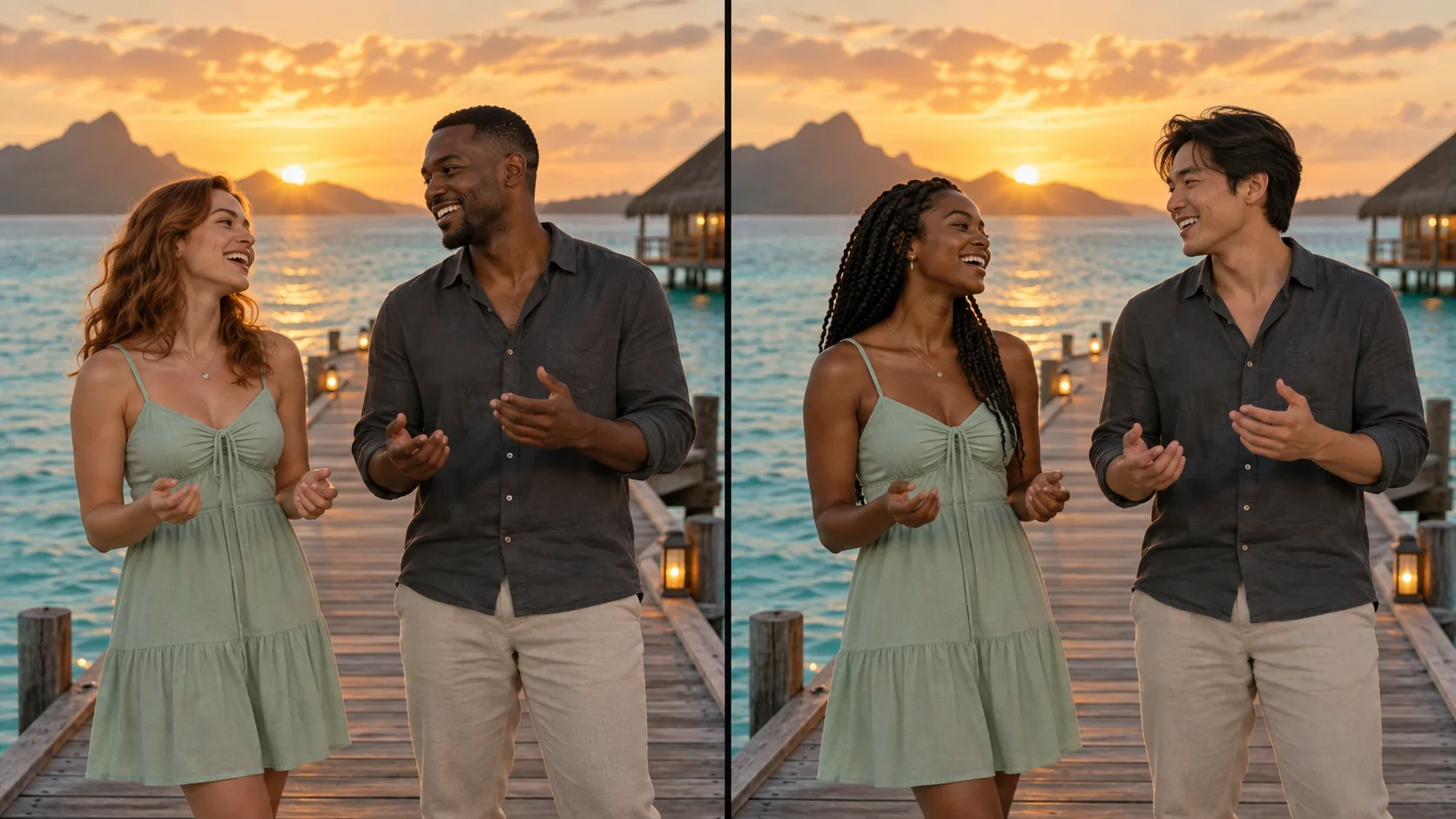
照片换角 Raindance 海边模板概念图

AI 概念图,并非已验证的生成结果或精确前后对比。

生成前确认当前总价

每个模板已固定时长与比例。生成器会在提交前显示所选模型的当前积分报价,不额外添加参考视频输入费用。

主 MV 直接交付对口型后的有声视频;8 秒场景仍提供配乐版与静音版。画面由 AI 生成,人物细节、镜头时间和口型可能变化,请检查完整成片。

阅读照片模板制作教程

如何使用 AI 视频人物换角模板

通过这三个步骤,给场景一个清晰的方向。

返回创作区
  1. 01

    选择完整模板

    选择 15 秒 Raindance MV,或 8 秒竖屏场景。模板已设置背景、时长、比例和音乐。

  2. 02

    上传人物照片

    MV 需要两张单独的人物照;其他场景支持单人或双人。双人模式选择哪张照片是主唱,另一位作为搭档。

  3. 03

    生成、检查并下载

    确认总积分报价后,一键启动画面生成与对口型。界面会分别显示两个阶段的状态。主 MV 完成后直接试听和下载有声视频;8 秒场景可下载配乐版或静音版。

AI 视频人物换角模板使用技巧

  • 先选场景:海边 MV 固定为双人,竖屏场景可以选择单人或双人。
  • 按照片编号分配角色。标记为主唱的照片在换镜头后仍然是主唱。
  • 上传单独的人像而不是合照;露出服装能让每个人在切镜后保持一致。
  • 镜头时间和口型都是近似表演,分享前请检查每个镜头,包括特写。

AI 视频人物换角模板 常见问题

开始前了解 ai 视频人物换角模板

这个人物换角工具能做什么?

把你照片中的人物放进预设场景,成为其中的角色。选择完整模板、指定主唱和搭档后,Kadenly 会生成一段包含他们的新视频。

能替换我自己视频里的人物吗?

这个工具不行。它不编辑上传的原片,而是根据你的照片和预设场景生成新片段。如果想让自己的脸跟随参考片段表演,可以试试 Rumpelstiltskin 换脸或黑猫鼓掌模板。

可以把照片放进哪些场景?

15 秒的 Raindance 海边音乐视频(固定双人),以及 8 秒的竖屏场景(支持单人或双人)。每个模板都固定了场景、时长、比例和音乐。

和换脸 App 有什么不同?

换脸是把脸贴到现有画面上;这里会用你的人物重新生成整段表演,脸、服装和身体一起运动,但镜头细节和口型每次可能不同。

需要一张还是两张照片?

单人场景需要一张清晰人像;双人场景和主 MV 需要两张单独的人像。双人模式下选择哪张照片担任主唱。

积分怎么计算?

每个模板的时长和比例固定,生成前会显示积分报价。因为不上传参考视频,不会额外收费。失败的任务会退回积分。

会得到哪些文件?

带模板配乐的版本和静音版,都可以在结果区和「我的作品」中下载。

为下一次创作提供一点建议

现在,由你来实现。

从示例开始,再加入自己的视角。

开始创作